
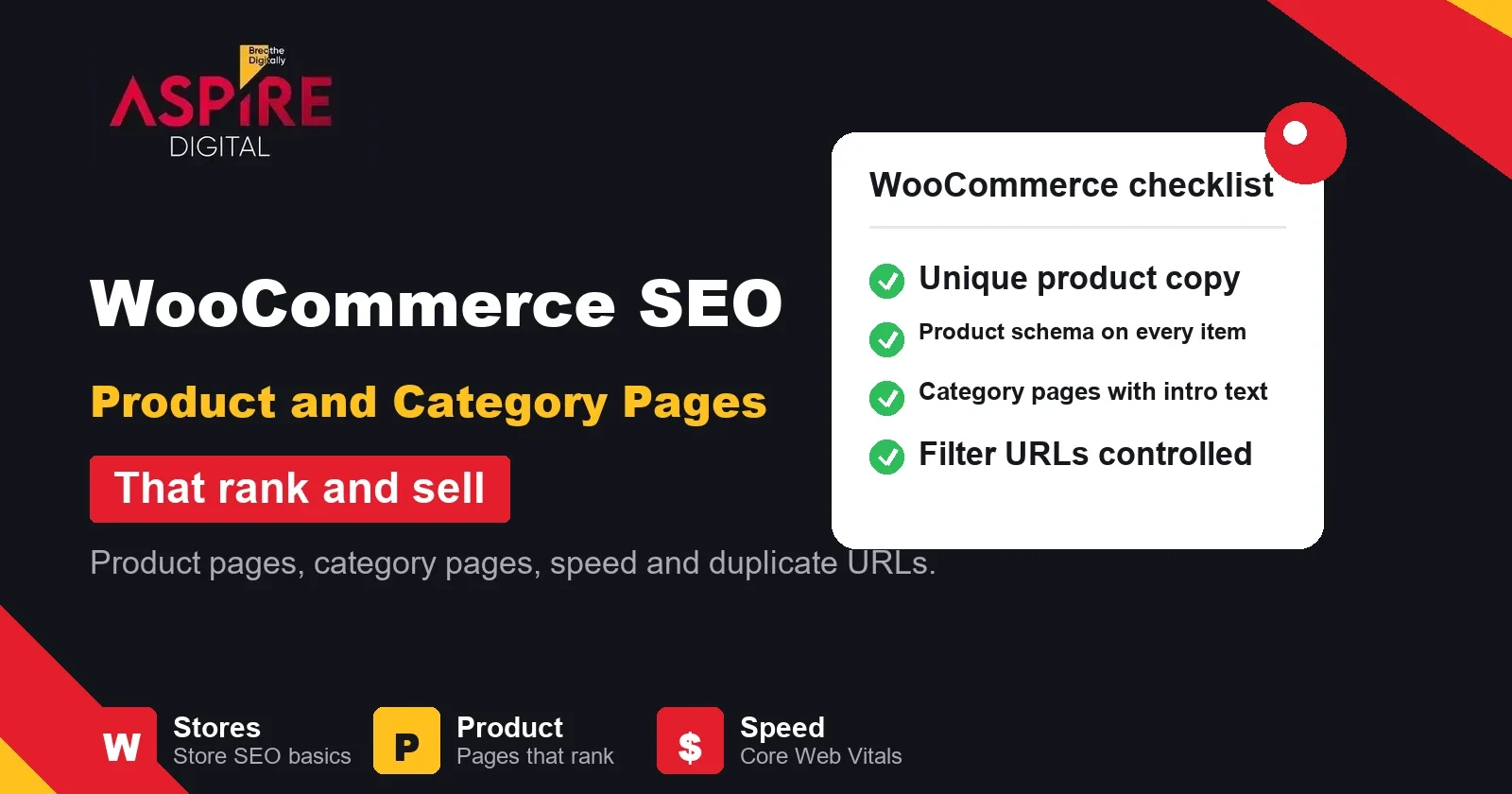
Quick answer: WooCommerce SEO means making each product page and category page easy for Google to crawl, understand and rank. Write unique product copy, add product schema, give category pages useful intro text, keep filter and duplicate URLs under control and keep the store fast. Most WooCommerce stores lose search traffic to these basics, not to missing keywords.
WooCommerce is one of the most popular ways to run an online shop on WordPress, and it works well for many Pakistani businesses. Out of the box, though, it creates many URLs, repeats the same text across products and leaves category pages thin. Our SEO for online stores team audits these areas first, because they affect whether shoppers find products on Google.
This guide covers the parts of a WooCommerce store that matter most for search: site structure, product pages, category pages, filters, technical settings and speed.
Why WooCommerce stores lose search traffic
A WooCommerce store can create several versions of the same product. The product may appear under its own URL, under a category path, under a tag archive and under filtered or sorted URLs. Each one is a separate page to Google. When many versions compete for the same search, none of them ranks as well as it could.
The second problem is copy. Many stores use the manufacturer or supplier description for every item. Those words are in other shops too, so Google has little reason to prefer your page. The third problem is speed. Themes and plugins add scripts and images that slow the page, and slow pages lose both rankings and buyers.
WooCommerce SEO starts with a clear site structure
Shoppers and search engines both work best with a shallow structure. Plan your categories so that any product can be reached in two or three clicks from the homepage. Avoid deep nesting such as a category inside a category inside a category, because each level dilutes the page's role.
Keep product URLs short and readable. In WooCommerce, the product slug should match the product name in lowercase with hyphens. Set your permalink structure once and avoid changing it later. If you must change a URL, add a 301 redirect from the old address to the new one, and update internal links and your sitemap.
Product page SEO that gives Google a reason to rank you
Every product page should answer the questions a buyer has before purchase. Start with a clear product name in the page heading, a short description above the fold and the key details: size, material, colours, compatibility, delivery time and warranty. Put the product name and the main keyword in the title tag and meta description, written for people rather than stuffed with repeated terms.
Write the product description yourself. Use the supplier text only as a source of facts, then rewrite it in your own words and add details that only your store knows, such as how a product is packed, what sizes customers usually choose or how it performs in your local climate. Unique copy is the simplest way to stop your products competing with identical pages elsewhere.
Images matter too. Give each image a descriptive file name and alt text that describes what is shown, compress the file before upload and keep the main image close to the top of the page so it loads early. Reviews add fresh, unique text and help buyers trust the listing.
Variable products and colour or size options
Variable products, such as a shirt sold in several sizes, can be handled in two ways. Keep all variations on one product page when the differences are small. Create separate pages only when a variation has its own demand, its own description and its own search terms, such as "leather wallet black" compared with "leather wallet brown". Whichever you choose, do not let two pages carry the same text and the same purpose.
Add product schema to every product
Structured data helps Google understand what a page sells. For a product, the most useful fields are the name, image, description, SKU, brand and an offer with the price, currency and availability. Google's merchant listing documentation describes these fields in detail. WooCommerce and most SEO plugins output product markup, but the output depends on your settings and theme, so check it on real product pages rather than assuming it is correct.
Test a sample of product URLs with Google's Rich Results Test after each change. Fix missing prices, empty images and wrong availability first, because those errors stop product results from appearing.
Category pages are your strongest landing pages
Category pages often bring more search visitors than individual products, because they match broader searches such as "men's leather shoes". Yet many WooCommerce stores show only a title and a grid of products. Add a short intro above the product grid that explains what the category covers, who it is for and how to choose. Two or three paragraphs are usually enough, with a few bullet points on size, material or use.
Give each category a unique title and meta description, and link to it from relevant blog posts and product pages. Descriptions that repeat across categories weaken all of them, so write each one for its own shoppers.
Control filter, sort and duplicate URLs
Filters such as colour, size and price can create thousands of URL combinations that show almost the same products. Google can crawl these and waste time on pages that add nothing new, and some of them may compete with your main category page. Decide which filter combinations have real search demand, such as "red dresses", and allow only those to be indexed. Point the others to the main category with a canonical tag, and keep sort-order parameters out of the index.
Check your product tags and archive pages too. A product tag archive that lists random products is rarely useful to search. If an archive has no unique purpose, noindex it. For a broader look at how repeated URLs cause trouble, read our guide on duplicate content and SEO.
Keep cart, checkout and account pages out of search
Cart, checkout, my account and thank-you pages are for individual shoppers. They have no value in search results and should not be indexed. Check your SEO plugin settings or your robots rules to confirm that these pages are set to noindex. Also confirm that search result pages on your store are not indexed, because they create endless thin URLs.
Speed and Core Web Vitals for product pages
Google measures page experience using Core Web Vitals. For a good result, Largest Contentful Paint should happen within 2.5 seconds, Interaction to Next Paint should be 200 milliseconds or less and Cumulative Layout Shift should stay at 0.1 or below. These are Google's published thresholds for the 75th percentile of page loads.
WooCommerce stores often slow down because of heavy product galleries, too many plugins, unused scripts from old apps and slow hosting. Start with the product image sizes, then remove plugins you do not use, and test the category and product templates with PageSpeed Insights. Fix the largest problem first and measure again.
A practical WooCommerce SEO checklist
- Set a clean permalink structure and keep product slugs short.
- Write unique product descriptions for your top-selling products first.
- Confirm that every product outputs name, image, price and availability in its structured data.
- Add an intro text and a unique title and meta description to every category.
- Decide which filter combinations can be indexed, and canonical or noindex the rest.
- Noindex cart, checkout, account and internal search pages.
- Check Core Web Vitals on the homepage, one category and one product page.
Related guides: WordPress vs Shopify for E-Commerce, Why WordPress Is the Best CMS in Pakistan.
Frequently asked questions
Is WooCommerce good for SEO?
WooCommerce is built on WordPress, which gives you full control over URLs, content and metadata. Its default setup needs tuning, such as filter handling, product copy and speed, but most of those issues can be fixed without changing platform.
How long does WooCommerce SEO take to work?
Technical fixes, such as noindex rules and schema, can show changes in weeks once Google recrawls the pages. Category content and product copy usually take longer, often several months, because search engines need time to test new pages against competitors. Our SEO timeline guide explains the stages in more detail.
Should I use a plugin for WooCommerce SEO?
An SEO plugin helps you manage titles, descriptions, noindex rules and basic schema from one place. It does not write your product copy or fix a slow theme. Choose a plugin for the controls it gives you, then check the output on real pages.
Should I delete products that are out of stock?
Not always. A product that is temporarily out of stock can stay live with an availability message and a link to similar items, so it keeps its history and links. For products you will never sell again, use a 301 redirect to the closest relevant category or product instead of leaving a 404 page.