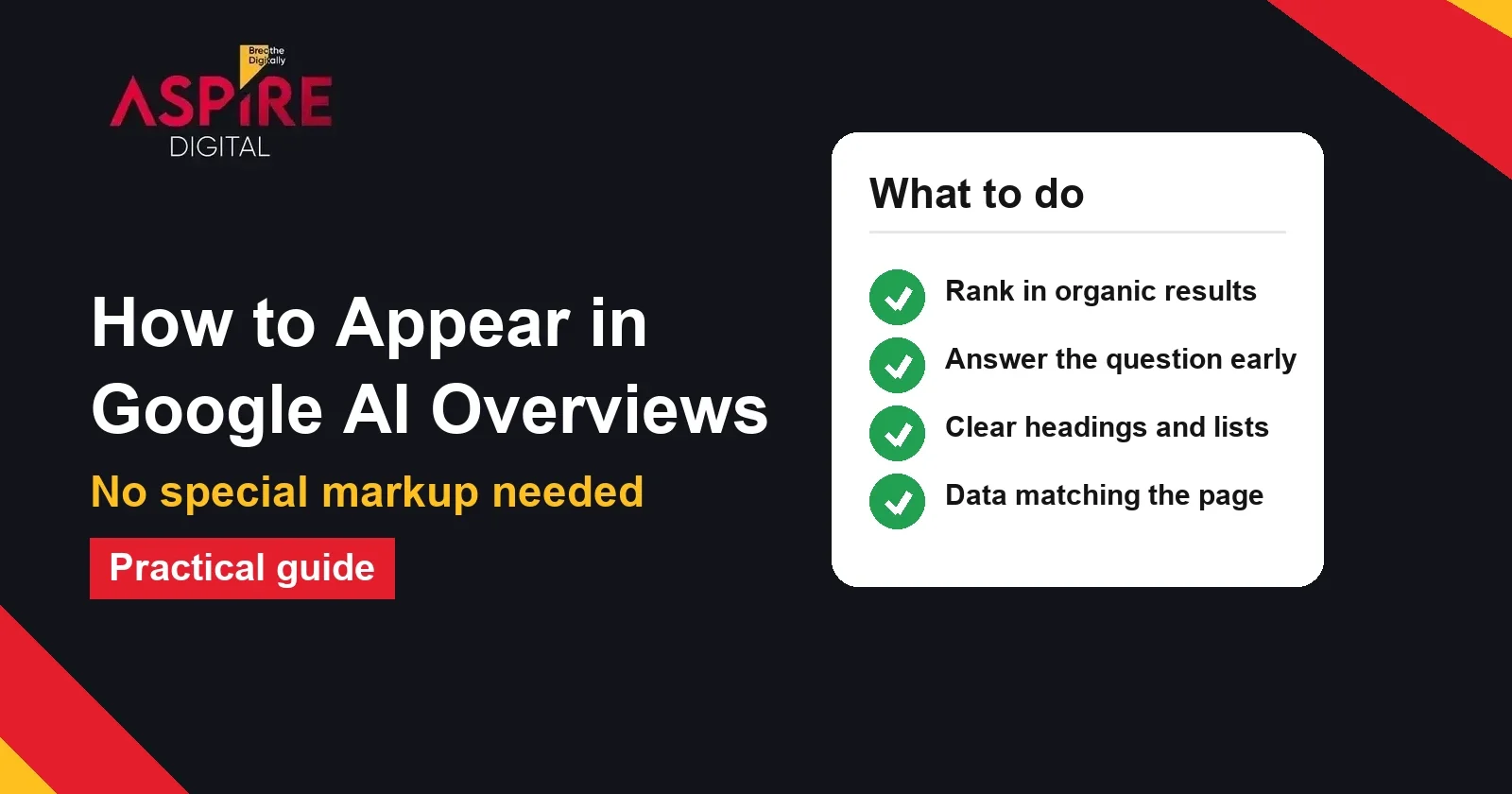
Quick answer: Google says there are no extra requirements to appear in AI Overviews, and no special markup or AI-only files are needed. The page must be indexed and eligible for a snippet. Then focus on standard SEO: answer the question early, use clear headings and lists, and keep structured data matching the visible text.
Many businesses now ask how to get into the AI summary at the top of Google results. If you want help turning your pages into clear answers that search engines can use, our SEO team can review your content and technical setup. This guide explains what AI Overviews are, what Google actually asks of site owners, and the steps that make a page easier to use.
What Google AI Overviews are
AI Overviews are short AI-generated summaries that Google shows above the normal list of results for some queries. They include links to the pages that support the summary. The links are where a site gets its visibility and clicks, so the goal is to be one of the pages Google chooses to cite.
AI Overviews do not appear for every search. They are most common on questions with an informational intent, such as "how" and "why" questions, definitions and comparisons. Commercial searches like a brand name or a city service term often show the normal results only, so check the queries that matter to your business rather than assuming.
What Google says site owners need to do
Google's Search Central guide on AI features answers the question directly: "There are no additional requirements to appear in AI Overviews or AI Mode, nor other special optimizations necessary." Standard SEO best practices still apply. Google also says that a page must be indexed and eligible to appear in Search with a snippet to be used as a supporting link, and that indexing and serving are not guaranteed. The full guide is at Google's AI features documentation.
This matters because many articles on this topic sell special files or formats. The same guide says you do not need to create new machine readable files, AI text files or markup to appear in these features. Spending time on those is less useful than fixing the basics on your key pages.
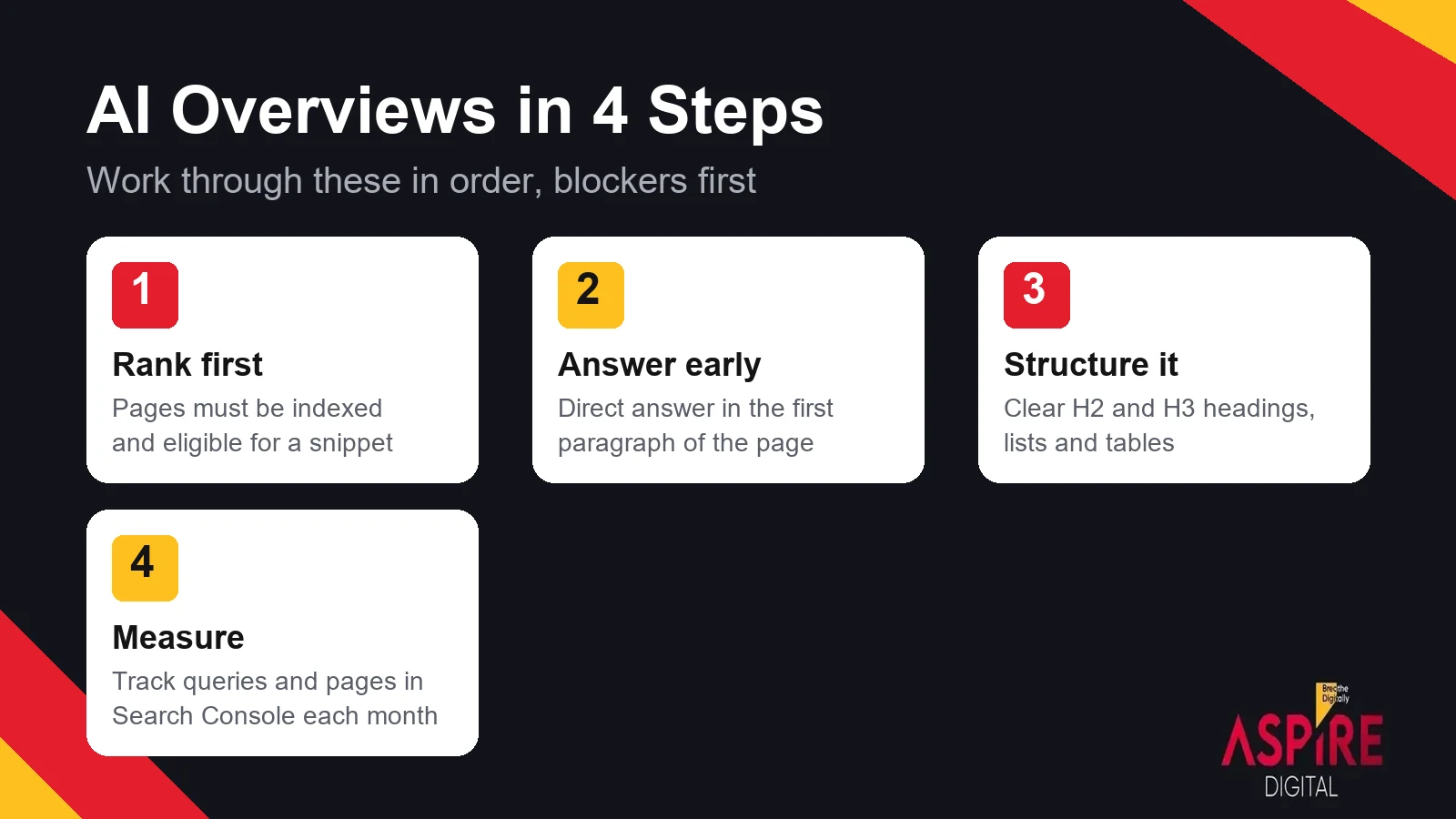
Step 1: Make sure the page is indexed and can show a snippet
Before anything else, confirm that the page can appear in normal results. Use Search Console's URL Inspection tool to check that the page is indexed and that Google can crawl it. Look for a noindex tag, a block in robots.txt, or a nosnippet setting that stops the page from showing text in results. A page that cannot show a snippet cannot be used as a supporting link.
The first job is still strong organic rankings for the questions you want to answer, because that is the base the rest of the work builds on. AI Overviews ranking is not a separate game with its own rules, so the same work that lifts your normal rankings is the work that helps here. Our guide on how to improve Google rankings and increase organic traffic covers the steps that come first.
Step 2: Answer the question in the first paragraph
A page that answers quickly is easier for both people and AI systems to use. Put the direct answer near the top, in two or three sentences, before any background. Then explain the detail in the sections below. This is the same answer-first approach that works for featured snippets, so one change can help both. Answer first content is the simplest habit to build, and it is easy to check on every page you publish.
Write the heading as the question people actually ask, such as "How long does SEO take to show results?" instead of a general label like "Timeline." Clear questions match the way people search and make it easy to see which section answers which query.
Step 3: Structure the page with headings, lists and tables
Use one H2 for each main question and H3 headings inside it. Break steps into numbered lists and compare options in a table. A table with three to five rows, each with a clear label, is easy to read and easy to quote. Keep each paragraph focused on one point, so a reader or a summary system can find the answer without reading the whole page.
| Page element | What to do | Why it helps |
|---|---|---|
| Opening paragraph | Give the direct answer in 40 to 60 words | Shows the answer before the reader scrolls |
| H2 headings | Write them as the questions people ask | Matches the wording of the search |
| Lists and steps | Use numbered steps for processes | Easy to read and easy to quote |
| Comparison table | Compare options with clear labels | Gives a fast, factual summary |
| Author and sources | Show who wrote the page and link to primary sources | Builds trust in the claims |
Step 4: Keep structured data matching the visible text
Google's guide says there is no special schema.org markup for AI Overviews. Structured data is still a standard SEO practice, and it helps Google understand the page. The rule is that the markup must match what a visitor can see. If your FAQ schema lists a question, that question and its answer must be on the page. Mismatched markup can cause problems in search results, so review it whenever you change the content.
For an FAQ section, use visible questions with short answers and add the matching markup only if the page truly contains those questions. Do not add markup for content that is hidden or missing from the page.
Step 5: Earn trust with real authorship and sources
AI systems and search quality systems both look for pages that are reliable. Show the author and their experience, date the page, and link to primary sources for every number or claim. Google's guidance on helpful content asks the same thing: useful, original information written for people. If a claim cannot be sourced, leave it out or describe it as an example.
Step 6: Measure what appears in Search Console
Use the Search Console performance report to see which queries and pages get impressions and clicks. Review the queries you targeted each month, and note which pages gain or lose visibility after you change them. Compare the same period before and after an update, because search results move for many reasons at once.
Keep a simple log with the page, the date you changed it and the queries it targets. Over a few months, that log shows which changes made a difference and which did not.
How to choose which pages to work on first
Start with the questions your customers ask before they buy. Make a short list of ten to twenty queries, and search each one in Google Pakistan while signed out or in a private window. Note whether an AI Overview appears, which sites it cites, and whether your own pages rank in the normal results below it.
Sort the list into three groups. Pages that already rank on the first two pages are the best place to start, because a small improvement can make them easier to use and cite. Queries where you have no page yet need a new article that answers the question directly. Queries that only bring up service pages or big brands are better handled by a service page, not a blog post.
Results change by location, device and time, so repeat the check every month and keep a dated note of what you see. A single search tells you little, but a monthly record shows whether your pages are moving into the summary or staying out of it.
Common myths to skip
| Claim you may hear | What Google's guide says |
|---|---|
| You need an llms.txt file | You do not need new machine readable or AI text files |
| You need special AI markup | No special optimization is necessary, and no special schema is required |
| You need a separate AI version of the page | Standard indexing and snippet eligibility are the requirements |
| You can guarantee a citation | Indexing and serving are not guaranteed |
Ignore any tool or course that promises a guaranteed place in AI Overviews. The reliable path is the same as for any search result: a useful page, technically sound and easy to read.
Related guides: What Is AEO (Answer Engine Optimization)?, How to Improve Google Rankings and Traffic
Frequently asked questions
Do I need special markup to appear in Google AI Overviews?
No. Google says there are no additional requirements and no special optimizations necessary. Keep your structured data accurate and matched to the visible text, because that is standard SEO practice, not an AI requirement.
Does ranking in the top 10 guarantee an AI Overview link?
No guarantee exists. Google's guide says indexing and serving are not guaranteed. Strong rankings and a clear, useful page improve your chances, but whether an overview appears and which pages it cites depends on the query.
Should I create an llms.txt file for AI Overviews?
Google's guide says you do not need to create new machine readable files or AI text files to appear in these features. Spend that time on the page content, the technical basics and the structure instead.
How is an AI Overview different from a featured snippet?
A featured snippet shows one extracted passage from one page. An AI Overview is a generated summary that can draw on several pages and includes links to them. Both reward a clear answer near the top, so the same content work helps with both.
How long does it take to see changes?
Google can take days to weeks to recrawl and reprocess a changed page, and rankings can take longer to settle. Give a change at least a few weeks before you judge it, and compare the same period in Search Console.