
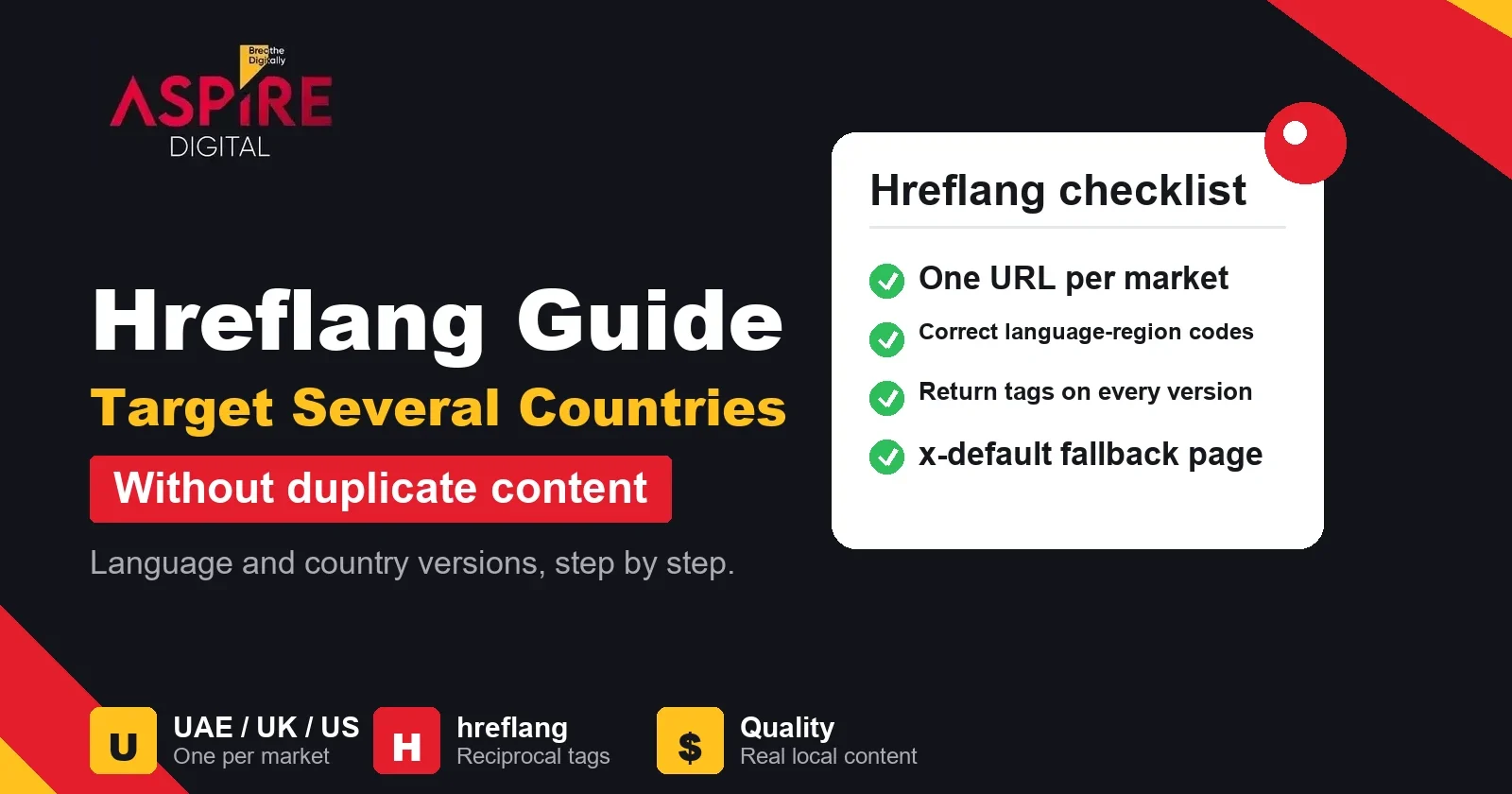
Quick answer: A hreflang guide shows how to tell Google which version of a page to show in each country or language. Add a tag for every version, make sure each one links back to the others, and name the language and region on each page. Buyers then see the right page, and your sites stop competing with each other.
If you sell to customers in more than one country, your website probably has more than one version of the same page. Maybe you have an English page for the UAE, a separate one for the UK, and a Spanish page for Latin America. Without clear signals, Google may show the wrong version to the wrong buyer, or treat the versions as duplicates. Our SEO for global markets service sets up these signals together with the market research and content, so each version has its own reason to exist.
This guide explains what hreflang does, when you need it, how to write the tags and how to avoid the mistakes that stop the right page from ranking.
What hreflang does, and what it does not do
Hreflang is an annotation that tells search engines a page has alternative versions for other languages or regions. Google's documentation describes it as a way to point to the page that best fits a user's language and location. It is a hint, not a command, so Google can still choose a different version when it judges that another one fits the searcher better.
Hreflang does not translate your content, does not boost rankings in any country, and does not fix thin pages. It only helps Google group the versions of a page and choose the right one. If the pages themselves are weak, hreflang will not save them. That is why the content work in the international SEO guide for exporters comes before the tags.
Hreflang guide: when you need it
You need hreflang when the same content exists in more than one language, or in the same language for different countries. Three common cases cover most businesses:
- One language, several countries, for example English for the UAE, the UK and the US, where spelling, prices, currency and shipping differ.
- Several languages for one market, for example English and Arabic pages for buyers in Saudi Arabia.
- A mix of both, for example a French version for Canada and a French version for France, each with its own product details.
You do not need hreflang for a single-market website with one language. Adding it there only creates extra code to maintain.
How to write hreflang tags
Each tag has two parts. The hreflang value names the language and, optionally, the region. The href is the full, absolute URL of that version. The language must use the ISO 639-1 two-letter code, such as en, ar or fr. The region must use the ISO 3166-1 Alpha-2 country code, such as ae, gb or us. The result looks like en-ae or en-gb.
<link rel="alternate" hreflang="en-ae" href="https://www.example.com/ae/seo-services/" />
<link rel="alternate" hreflang="en-gb" href="https://www.example.com/uk/seo-services/" />
<link rel="alternate" hreflang="en-us" href="https://www.example.com/us/seo-services/" />
<link rel="alternate" hreflang="x-default" href="https://www.example.com/seo-services/" />
The example uses a placeholder domain. Notice that en-GB with capital letters also works, but most teams write codes in lowercase so the list is easy to check. The most common error is en-uk. "UK" is not a valid ISO country code, so the tag is ignored. The correct code is en-gb.
Where to place the tags
Google accepts hreflang in three places. You can add the link tags in the HTML head of each page, send them in HTTP headers, or list them in an XML sitemap. HTML head tags are the easiest option for most websites and are what most SEO plugins generate. HTTP headers are mainly useful for non-HTML files such as PDFs. Sitemaps work well for large sites with many versions, because one file holds all the annotations and is easier to audit than hundreds of page templates.
Use one method consistently. Mixing head tags and sitemap entries for the same URL makes errors hard to trace.
The return tag rule
Every version must link to every other version, and every version must link back. If the UK page points to the UAE page, the UAE page must point back to the UK page. Google calls these return links, and it can ignore annotations that do not return. A one-way tag is the most frequent hreflang error, and it usually happens when one market is added to a site later and nobody updates the other pages.
Each page should also include a tag pointing to itself. The UK page lists the UK URL, the UAE URL and the US URL, and the same list appears on every version. Keeping the set identical on each page is the simplest way to pass the check.
Use x-default for the fallback page
The x-default value tells search engines which page to show when no other version matches the searcher's language or location. For an exporter, this is often the global English page or a country selector. Choose the page that works for the widest audience, and make sure it is not a redirect or a page blocked from indexing.
Hreflang and duplicate content across countries
Many businesses worry that country pages with similar text will be treated as duplicate content. Hreflang reduces that risk because it tells Google the pages are versions for different audiences. It does not make copied text unique, though. A UAE page and a UK page that differ only in one word give Google little reason to rank both.
Give each version real differences: local prices in the right currency, delivery and payment options for that market, local examples, reviews from customers in that country and the terms buyers there use. For a wider look at how repeated text hurts search, read our guide on duplicate content and SEO.
Common hreflang mistakes
Wrong language or region codes
Codes such as en-uk, ar-sa written with the wrong case, or a country name instead of a code will be ignored. Check every code against the ISO lists before you deploy.
Tags pointing to redirects or blocked pages
Hreflang URLs should return a 200 status code and be indexable. A tag that points to a redirect, a 404 page or a page with a noindex tag sends mixed signals. Crawl the full set of versions after each release and fix any that do not return 200.
Missing return tags after a new market is added
This is the one-way tag problem described above. Treat the set of versions as one unit. When you add a market, update every existing version in the same release.
Mixing languages and countries carelessly
Using en-ae for a page written in Arabic, or ar for a page written in English, confuses both users and search engines. The page language should match the language value in its tag.
A simple hreflang rollout plan
Roll out hreflang in small steps so errors are easy to find:
- Write the list of markets and the matching URL for each version in a spreadsheet. Check the codes against the ISO lists.
- Confirm that every version exists, returns a 200 status code and is indexable.
- Add the tags to one market group first, usually the two most important markets, and test them.
- Add the x-default tag and the self reference to every version.
- Crawl the site with an SEO crawler that reads hreflang, then check the report for missing return tags and broken targets.
- Watch Search Console performance for each market over the next weeks. Look for the right country page gaining impressions, not the wrong one.
Hreflang changes take time to show results, because Google has to recrawl the versions before it updates which page it shows. Expect weeks, not days, before the pattern is clear.
Related guides: International SEO for Exporters: How Pakistani Businesses Rank Abroad, Digital Marketing Services In Dubai: Complete Guide For 2025.
Frequently asked questions
Does hreflang improve rankings?
Not directly. Hreflang helps Google show the right version of a page to each market. It does not add authority or raise a page's position on its own. Its value is that the right page appears for the right buyer, which often improves the results a site already earns.
Can I use hreflang for only two countries?
Yes. Hreflang works for any number of versions, including two. The same rules apply: each page links to the other, each page links to itself and the codes are correct.
Is x-default required?
It is not strictly required, but it is recommended. It gives Google a clear fallback for visitors whose language or location does not match any version, which is common for international buyers.
Do I need hreflang if I use a country selector?
A country selector helps visitors, but it does not replace hreflang. Search engines do not click through selectors, so each version still needs its own URL and its own tags to be found.