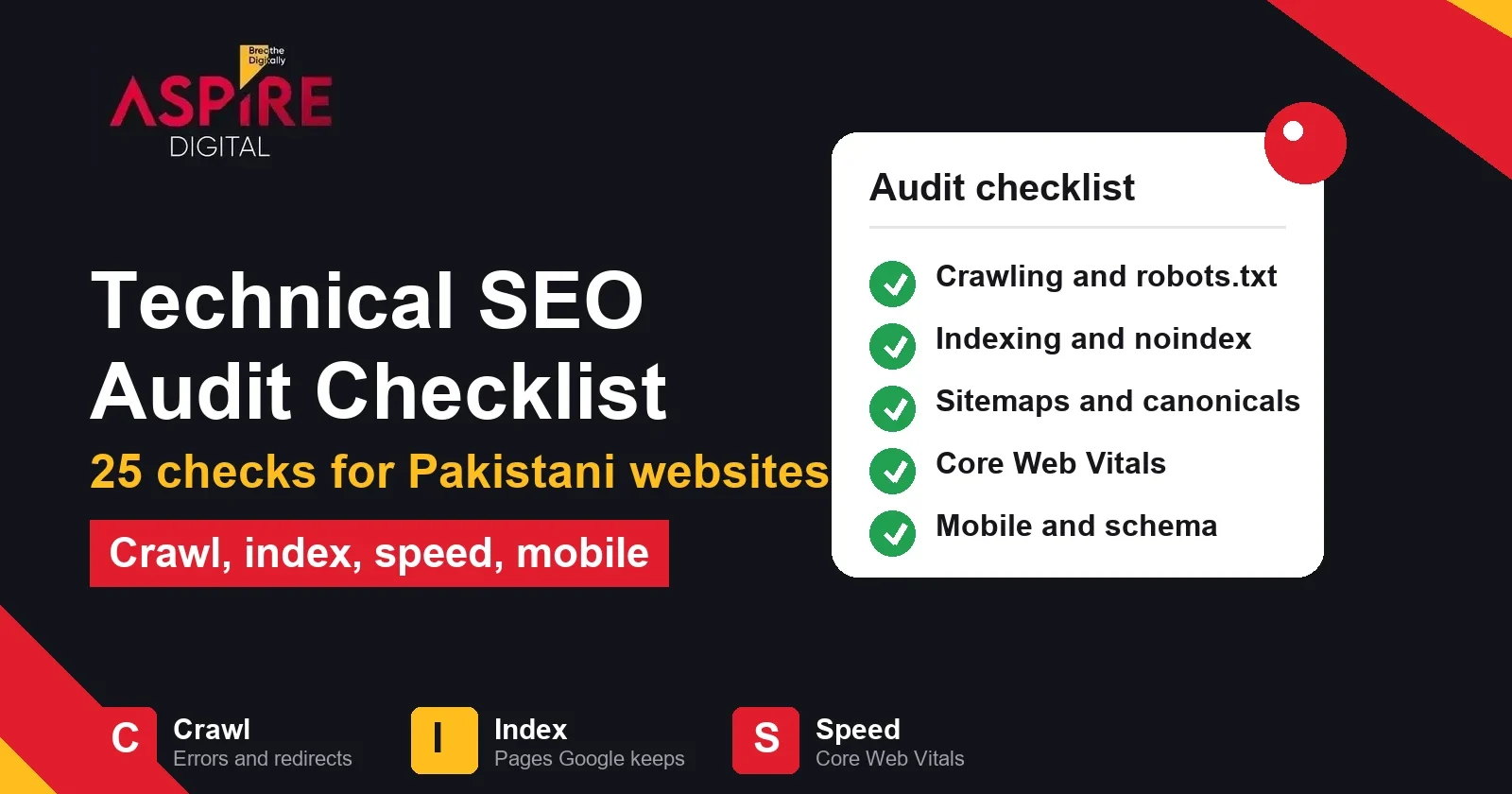
Quick answer: A technical SEO audit checks whether Google can find, crawl, index and understand your website, and whether the site loads fast and works on a phone. Start with crawling and indexing, because a page Google cannot index cannot rank. Then check sitemaps, canonical tags, Core Web Vitals, mobile use and structured data, in that order.
Our SEO services in Karachi team starts most engagements with the same technical checks. Content and links matter, but a page that Google cannot crawl, index or load quickly will not reach its potential, however good the writing is.
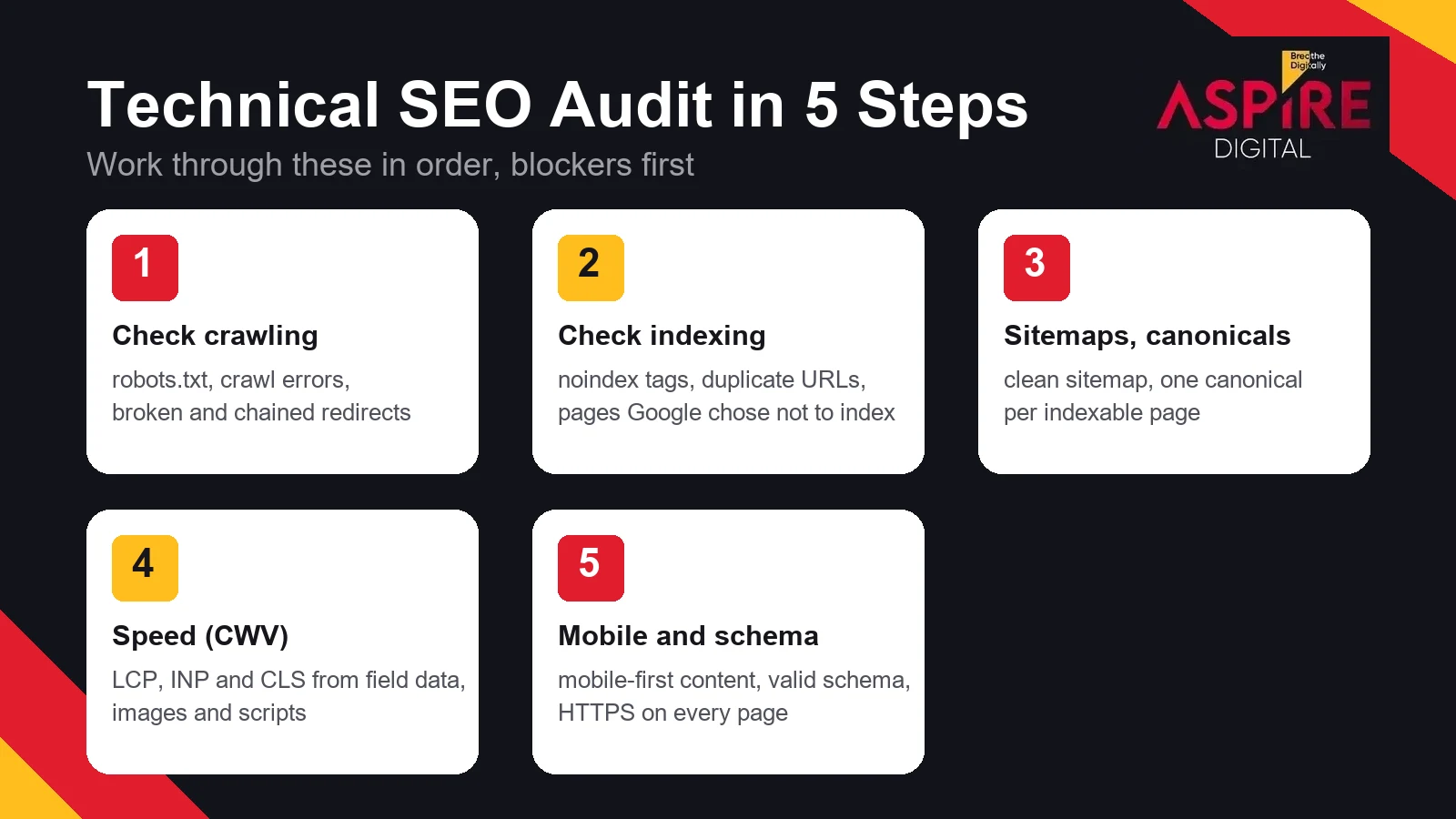
This checklist groups the work into five stages with five checks each. You can run the full audit in one sitting or split it across a week. Work through the stages in order, because problems at the top block everything below them.
What a technical SEO audit covers
A technical audit looks at the infrastructure of a website rather than its articles or backlinks. It asks four questions. Can search engines reach every important page? Are those pages allowed into the index? Do the signals on each page, such as canonicals and sitemaps, point Google to the right version? Does the site give visitors a fast and stable experience? Google's own documentation covers each of these areas, and this checklist follows the same order.
Stage 1: Check crawling
Crawling is how Googlebot discovers and fetches your pages. If it fails here, nothing that comes later in the process can happen.
- robots.txt is reachable and correct. Open /robots.txt on your domain. It should return a normal page, and it should not block folders you want ranked. Google's robots.txt guide explains the rules.
- Crawl errors are under control. Open the Pages report in Google Search Console and check for server errors and not-found errors on URLs that should exist.
- Server errors are rare. Important pages should return a 200 status. Intermittent 5xx errors often appear after plugin updates or during traffic spikes, so check again after every change.
- Internal links lead to live pages. Menus, footers and blog posts should not link to pages that return a 404. Each broken internal link wastes crawl attention and frustrates visitors.
- Redirects are single hops. An old URL should redirect straight to its new address with a 301 redirect. Chains of redirects slow crawling and can weaken the signals that pass along the way.
Stage 2: Check indexing
Being crawled is not the same as being indexed. Google can fetch a page and still decide not to store it in the index, so this stage asks whether the pages you want are actually in the index.
- No accidental noindex tags. Check the meta robots tag and the X-Robots-Tag header on key pages. A noindex left over from a staging site is one of the most common reasons a relaunched site loses visibility.
- "Crawled, currently not indexed" pages are reviewed. In the Page indexing report, open this group and look at the pages. Thin content, near-duplicate pages and weak internal links are the usual causes.
- Duplicate URLs resolve to one version. Confirm that the http, https, www, non-www and trailing slash versions of your domain each redirect to one preferred address.
- Soft 404 pages are fixed. A page that says "no results" or "product not found" but returns a 200 status confuses Google. Either add real content to it or return a proper 404 status.
- Key pages pass URL Inspection. Test your most important pages with the URL Inspection tool. It shows whether the page is indexed, when Google last crawled it and which canonical Google selected.
If rankings dropped after a change, read why Google cannot always explain a ranking drop before you start changing things. Many drops come from one technical change, and the indexing report usually shows it first.
Stage 3: Check sitemaps and canonical tags
A sitemap tells Google which URLs you want found, and a canonical tag tells it which version of a page is the preferred one. The two must agree with each other.
- The sitemap is submitted and referenced. Submit your XML sitemap in Search Console and reference it in robots.txt. Google's sitemap guide describes the format.
- The sitemap lists only indexable pages. Remove redirected URLs, noindexed pages and 404 pages from the sitemap. A clean sitemap helps Google trust the rest of it.
- Every indexable page has one canonical tag. The tag should point to the clean address of the same page. A page with no canonical leaves the choice of version to Google.
- Canonicals point to indexable pages. A canonical that points to a redirect or a noindexed page sends mixed signals. Check that the target returns a 200 status and is indexable.
- Filter and parameter URLs are handled. Sorted, filtered or tracking versions of a page should canonicalise to the main page, or be blocked where they add no search value. Google explains the options in its guide to consolidating duplicate URLs.
Stage 4: Check speed and Core Web Vitals
Core Web Vitals measure how real visitors experience a page. Google uses them as part of page experience, so they affect both rankings and conversions. Use field data from Search Console where it exists and lab tests such as PageSpeed Insights where it does not. The web.dev guide to Core Web Vitals lists the thresholds.
- Largest Contentful Paint is under 2.5 seconds. This measures how long the main content takes to appear. Large hero images and slow servers are the usual causes.
- Interaction to Next Paint is under 200 milliseconds. This measures how quickly the page responds when a visitor taps or types. Heavy JavaScript from plugins and chat widgets is the usual cause.
- Cumulative Layout Shift is under 0.1. Reserve space for images, ads and embeds so the page does not jump while it loads.
- Images are sized and compressed. Serve each image at the size it is displayed, in a modern format such as WebP where the platform supports it. An oversized banner can cost more speed than any keyword change can earn back.
- Unused scripts and plugins are removed. Each plugin adds requests to every page. Disable the tools you no longer use, and check the total script weight of key pages after each change.
Stage 5: Check mobile use and structured data
Google indexes the mobile version of most sites, so the phone experience is the one that counts for search.
- The mobile version has the same content. Text hidden in tabs or removed on phones may not be indexed. Compare the mobile and desktop text of your key pages.
- Text is readable without zooming and buttons are easy to tap. Confirm this on a real phone, not only in a desktop browser with a narrow window.
- Structured data validates. Test Organization, Article, FAQ and Product markup with the Rich Results Test and fix every error it reports. Google's structured data introduction explains the rules.
- Every page is served over HTTPS. Check the certificate, redirect http to https, and fix mixed content warnings so that no image or script loads from an insecure address.
- Each indexable page has a unique title and meta description. Duplicate titles across product or service pages make it harder for Google to choose which page to show for a query.
How to prioritise the fixes
Not every finding carries the same weight. Sort the results into three groups before you write a task list for your developers.
- Block indexing first. Noindex tags, wrong robots.txt rules, server errors and sitewide canonical mistakes stop pages from ranking at all. Fix these within days.
- Fix duplication and structure next. Duplicate URLs, weak canonicals, sitemap errors and redirect chains dilute signals across many pages at once.
- Improve experience last, but keep it on the list. Core Web Vitals and mobile polish give you an edge over competitors and improve conversions. They rarely rescue a site that Google cannot index.
If the technical side is clean, the next question is the strength of your links. A backlink audit is the natural follow-up once the site itself is in good order.
Related guides: Backlink Audit: A Step by Step Guide, Why Google Can't Explain Every Ranking Drop
Frequently asked questions
How often should a technical SEO audit be run?
Run a full audit after any redesign, migration, theme change or major plugin update. For a live site, a lighter check each month is usually enough, together with a review of the Pages and Core Web Vitals reports in Search Console. Search Console alerts flag many sudden problems early, so read them when they arrive.
Can I run a technical SEO audit myself?
Yes, for many sites. Search Console, the Rich Results Test and PageSpeed Insights cover most of the checks in this list. A developer is useful for server settings, redirects and template changes, because those fixes are hard to make safely without access to the code.
Does a technical audit guarantee better rankings?
No. An audit removes the barriers that stop Google from crawling, indexing and presenting your pages properly. Rankings also depend on content quality, relevance and links, so a clean audit is the starting point rather than the finish line.
Which tools do you need?
Start with Google Search Console and PageSpeed Insights, both free. Add the Rich Results Test for structured data and a desktop crawler for larger sites. A crawler checks hundreds of URLs in one run and finds broken links, redirect chains and missing canonical tags quickly.


2 comments