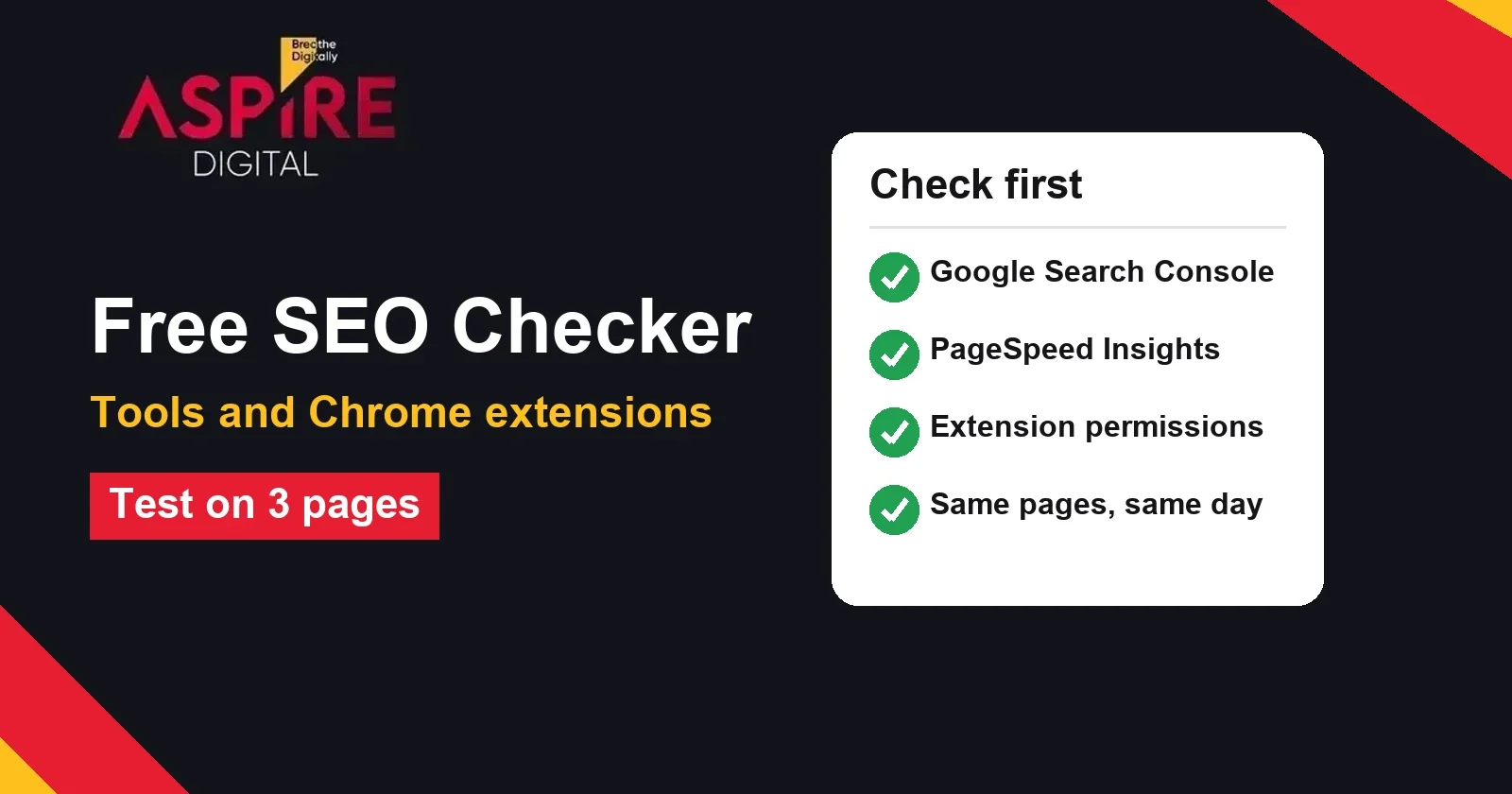
Quick answer: A free SEO checker is useful for a first look at a page, but each tool checks different things and none of them shows the whole picture. Use Google's free tools for data from Google itself, use a browser extension for a quick check while you browse, and run every tool on the same three pages so that you can compare the results fairly. Check each finding on the live page before you change anything.
Searching for a free SEO checker usually means someone wants to see what is wrong with their website without paying for a full audit. That is a reasonable start. If you want a specialist to review the site, check fixes and explain the priorities, our team offers SEO services in Pakistan. This guide shows how to choose a free tool, what each type checks and how to test one before you trust it.
What a free SEO checker can and cannot tell you
Most free checkers look at the page you give them and report on the things that can be read from the outside: the page title, the meta description, the headings, the links, the image alt text, the page speed and some basic technical signals. They are good at finding missing or duplicate tags, broken links and slow pages. They are weaker at judging whether the content answers the question people are searching for, whether the site has the right pages, or how the site performs in search over time.
Keep this in mind before you read any score. A score is the tool's own rule set, not a ranking from Google. Two tools can give the same page very different scores because they weigh issues differently. Use the list of issues to decide what to check, and use your own judgement to decide what matters.
Start with Google's own free tools
Google provides several free tools that show data from its own systems. These are a better starting point than a third-party score because they describe how Google sees your site, not how a tool guesses it.
- Google Search Console: shows which pages are indexed, which queries bring clicks and impressions, and any coverage or sitemap errors. You need to verify ownership of the site first.
- PageSpeed Insights: reports field data and lab data for speed and the Core Web Vitals. It is useful for checking a single page at a time.
- Rich Results Test: checks whether structured data on a page is valid and eligible for rich results. It does not check the rest of the page.
For speed, use the Core Web Vitals thresholds that Google publishes on web.dev as your reference. Good scores are a Largest Contentful Paint of 2.5 seconds or less, an Interaction to Next Paint of 200 milliseconds or less and a Cumulative Layout Shift of 0.1 or less. Any free tool that reports speed should be checked against these numbers, not against its own colour scale.
How to use a browser extension safely
SEO extensions for Chrome add a small panel to the page you are viewing. They are quick for a first look at titles, headings, links and meta tags. Before you install any extension, check four things in the Chrome Web Store listing.
- Permissions: an SEO extension usually needs to read the page you are viewing. If it asks to read and change data on every website, ask why, and prefer an extension that works only when you click it.
- Publisher and privacy policy: check who publishes the extension and whether it explains what data it collects and whether it sells that data.
- Last update and reviews: an extension that has not been updated for a long time may break after a Chrome update. Read recent reviews, not only the average rating.
- What it sends: some extensions send the URL you check to their own servers. Do not use them on private pages, staging sites or client dashboards unless you have permission.
Remove any extension you no longer use. Extensions that stay installed for years are a common way for personal data to leak, so review your list every few months.
A fair way to test a free SEO checker
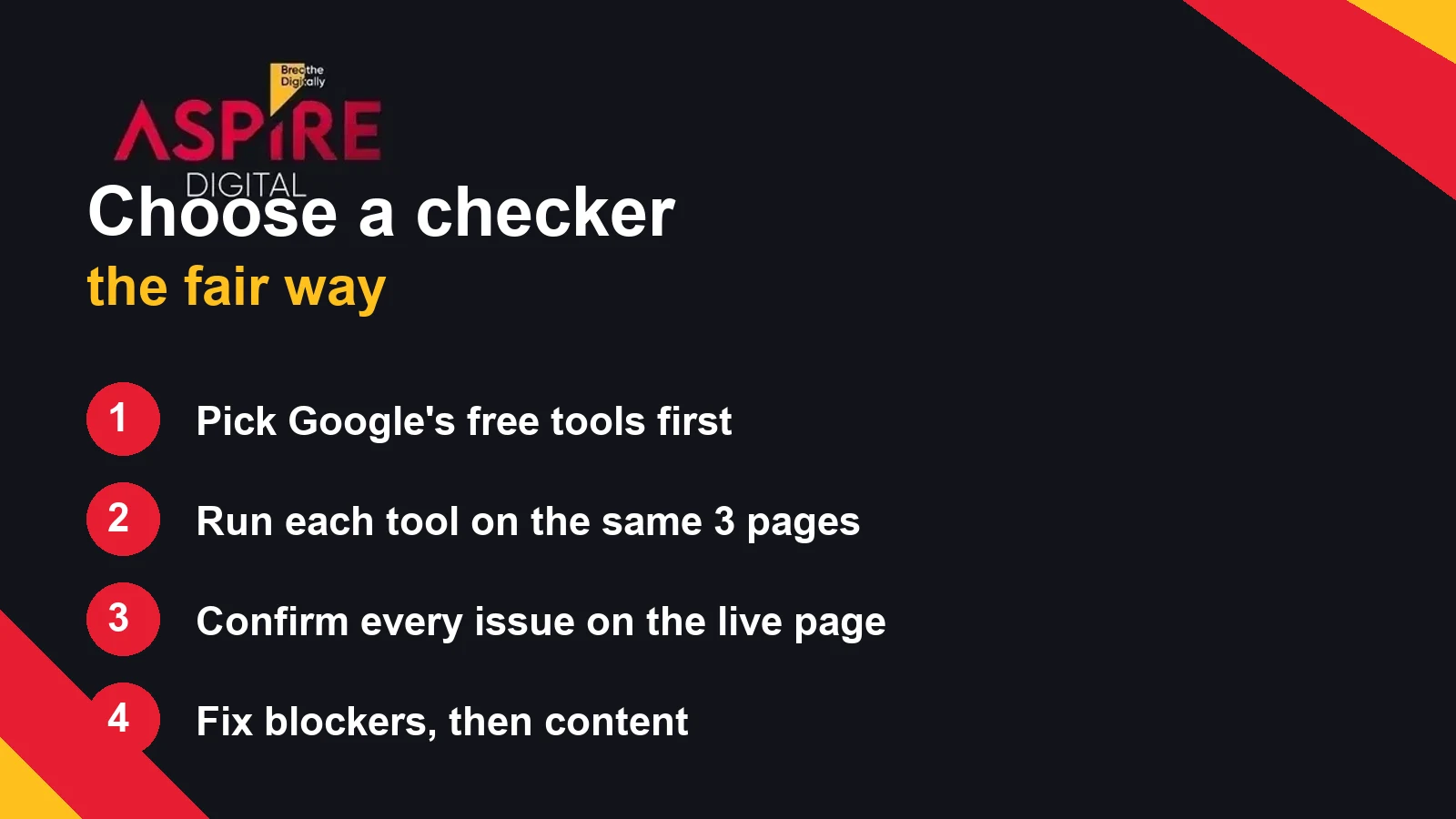
If you want to choose between two or more tools, test them the same way. Pick three pages from your own site: your homepage, one service page and one blog post. Run each tool on the same three pages on the same day. Write the test date next to the results, because tools change their rules and their data over time.
| What to record | Why it matters |
|---|---|
| Test date and page address | Results change over time and by page, so a comparison needs the same date and pages |
| Issues the tool reports | Shows what the tool looks at and how strict it is |
| Issues you confirm on the live page | Separates real problems from false alarms |
| Time to read and act on the report | A report you cannot act on is of little use to a small team |
| Permissions and data use | Decides whether the tool is safe for your client or staff accounts |
After the test, choose the tool that finds real problems you can fix, explains them clearly and does not ask for more access than it needs. Many teams use two tools: one for a quick page check and one for a deeper site crawl.
What to fix first
A long list of issues can look urgent even when most of it is minor. Sort the findings into three groups before you change anything. The first group is blockers: pages that cannot be crawled, pages that are missing from search, broken redirects and noindex tags placed by mistake. The second group is content: missing or duplicate titles, thin pages and headings that do not describe the page. The third group is extras: small speed gains, optional structured data and minor warnings.
Work through the blockers first and recheck each page after the change. Then move to content on the pages that already bring visitors. Speed and extras come after that. For a full technical review that you can check line by line, use our Technical SEO Audit Checklist. It covers the same areas in a manual form, so use it alongside any tool rather than as a replacement.
Common mistakes when reading a checker report
Most problems with free tools come from how the report is read, not from the tool itself. Avoid these four mistakes and your results will be more useful.
- Chasing the score: raising a score by adding keywords to every tag can make the page worse for readers. Fix the issue, not the number.
- Fixing every warning: a warning about a minor detail should wait until the blockers and the key content pages are done.
- Trusting an unseen issue: a tool can read a hidden element or a cached version of the page. If you cannot see the problem on the live page, ask your developer to check it before you change anything.
- Forgetting the audience: a page for a Karachi clinic and a page for a global software company need different words, even if the checker gives both the same advice.
Local businesses need a different check
A general SEO checker does not check your business listing, your reviews or whether your name, address and phone number match across the web. For a local business, compare the website with your Google Business Profile before you act on any checker result. Our Local SEO Checklist for Karachi Businesses covers those checks in order.
Related guides: Technical SEO Audit Checklist, Local SEO Checklist for Karachi Businesses
Frequently asked questions
Is a free SEO checker enough for my website?
It is enough for a first look and for finding obvious errors such as missing titles or broken links. It is not enough to decide your full strategy, because it cannot judge search intent or your competitors in your market.
Which free tool should I start with?
Start with Google Search Console, because it shows how Google sees your pages. Add PageSpeed Insights for speed and a browser extension for quick checks while you browse.
Are browser SEO extensions safe to use?
They can be, if you check the publisher, the permissions and the privacy policy before you install them. Avoid extensions that read every page you visit when you only need a quick check, and do not use them on private or client pages without permission.
Why do two free SEO checkers give different scores for the same page?
Each tool uses its own rules and weights. One may penalise a short meta description heavily, while another ignores it. Compare the issues each tool reports, not only the score, and confirm each one on the live page.
How often should I run a free SEO check?
Check the main pages once a month and after every major change, such as a new theme, a redesign or a change in URLs. Google Search Console is worth checking every week for errors and coverage changes.