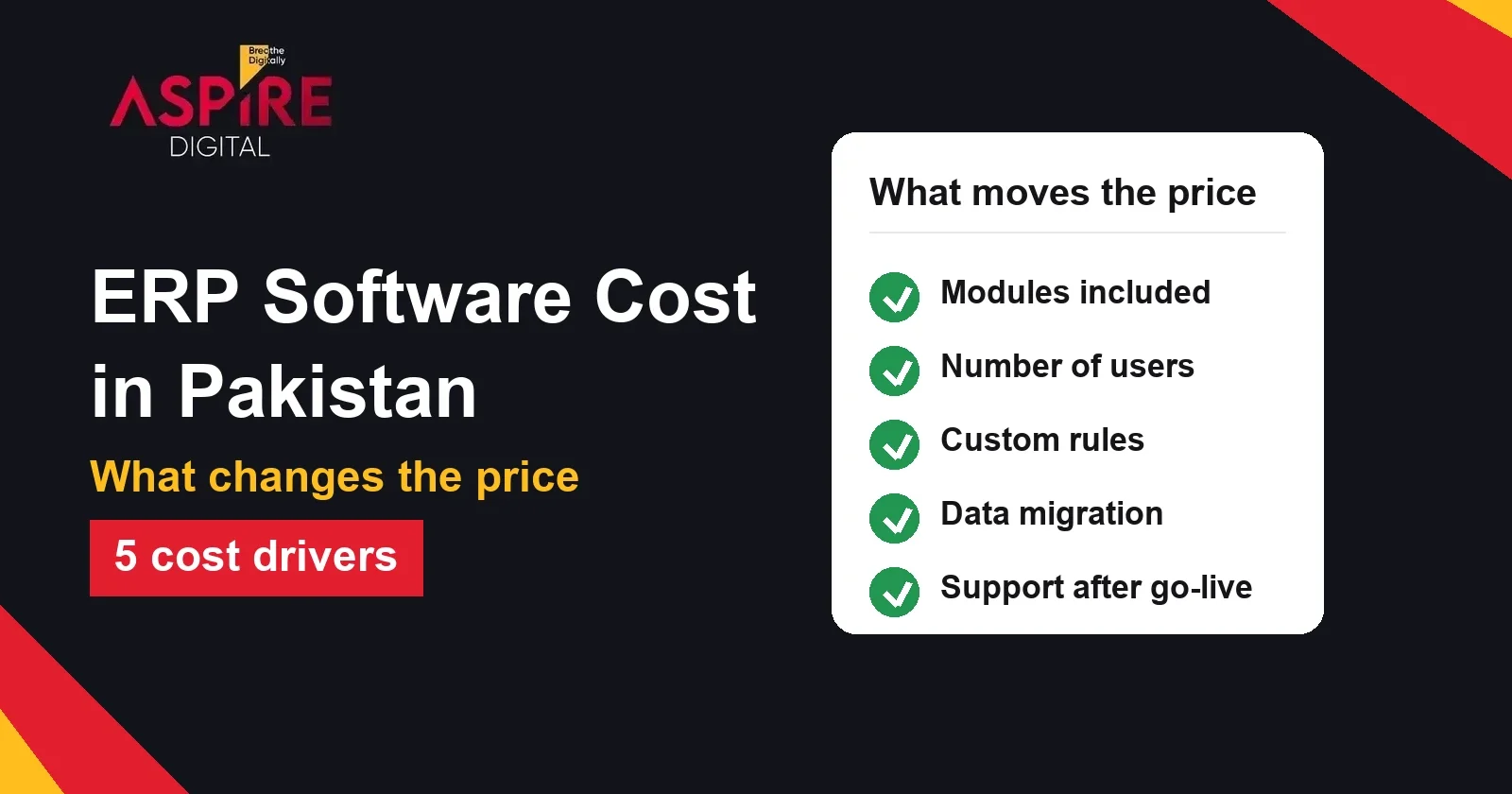
Quick answer: ERP software cost in Pakistan depends on five things: how many modules you need, how many people will use the system, how much of it must be custom built, how much old data must be moved across, and what support you want after go-live. Two businesses with the same headcount can receive quotes that differ several times over, because the scope is different. Ask every vendor for a quote that lists modules, users, data migration, training and support as separate lines.
If you are comparing options, start with our ERP software service in Pakistan to see which modules are usually included, and read the warning signs that show an ERP may be due before you start pricing.
Why there is no single ERP price
An ERP is not one product with one price tag. It is a set of processes, such as sales, stock, purchasing, accounts and HR, that are joined to one database. Each process you add, and each rule that makes your business unique, adds design, build, testing and training time. That time is what you are paying for.
This is also why a low quote is not always a cheap quote. A vendor who leaves out data migration, training or support may look cheaper on paper, then add those costs after the contract is signed. The fair comparison is the total cost over the first two years, not the figure at the top of the proposal.
The five biggest cost drivers
When you ask for a quote, these are the questions that move the price most. Use the table below to check each quote against the same list.
| Cost driver | What to ask the vendor | Effect on price |
|---|---|---|
| Modules | Which processes are included: stock, sales, purchasing, accounts, HR, manufacturing, distribution? | High: each module adds scope and testing |
| Number of users | How many staff log in daily, and do some need view-only access? | Medium: affects licences and role setup |
| Customization | Which rules are unique to your business, and which can change to fit standard features? | High: custom logic is the largest source of cost overrun |
| Data migration | Is your data in spreadsheets, an old accounts package or paper? How clean is it? | Medium to high: messy data takes time to clean |
| Integrations | Does it need to connect to your website, payment gateway, courier or bank? | Medium: each connection is a separate build and test |
| Training and go-live | How many training sessions, and is support included during the first weeks? | Medium: often underestimated in the first quote |
| Ongoing support | What is the monthly or yearly support fee, and what counts as a change request? | Recurring: this cost continues for the life of the system |
Ask the vendor to mark each row as included, optional or not offered. A quote that leaves rows blank is asking you to assume the answer, and that is where most disputes begin.
Three ways to pay for an ERP
Businesses in Pakistan usually choose between three models. Each one has a different cash flow, and each one suits a different kind of business. The right choice depends on how unusual your processes are and how much control you want over the software in the future.
| Model | How you pay | Suits | Watch out for |
|---|---|---|---|
| Ready-made (licensed) ERP | Licence fee per user or module, plus implementation and yearly support | Standard processes, such as a trading or retail business | Customization costs, and the vendor's upgrade schedule |
| Custom-built ERP | Project fee for design and build, then maintenance and support | Unusual workflows, or a business that wants to own the system | Clear scope, milestones and source code ownership in the contract |
| Subscription (cloud) ERP | Monthly or yearly fee per user, with setup charged separately | Small teams that want low upfront cost and fast start | Price increases, data export terms and what happens if you cancel |
Custom and ready-made systems are not opposites. Many projects start with a standard ERP core for accounts and stock, then add a custom module for the one process that does not fit. Ask the vendor which parts of your quote would stay the same if you chose the other model.
Hidden costs to budget for
The software fee is often the smallest part of the first-year spend. These items are regularly missed when owners compare quotes:
- Data clean-up: duplicate customers, wrong product codes and missing opening balances must be fixed before import. Your staff time counts as a cost too.
- Hardware: barcode scanners, printers, a stable network and, for some systems, a server or a backup device.
- Parallel running: keeping the old file and the new system side by side for a short period, so totals can be compared before the switch.
- Training for new staff: every new hire needs an account, a role and a short session. Plan for this every year, not only at go-live.
- Changes after go-live: new reports, new fields and new approval steps are normal. Check how they are priced before you sign.
- Integrations: connecting a website, an online store, a payment gateway or a courier can be a separate project with its own testing.
- Yearly support: confirm whether bug fixes, security updates and server hosting are included in the support fee.
How to get a fair quote
A useful quote is one you can compare with another quote line by line. Use this order when you invite vendors to bid:
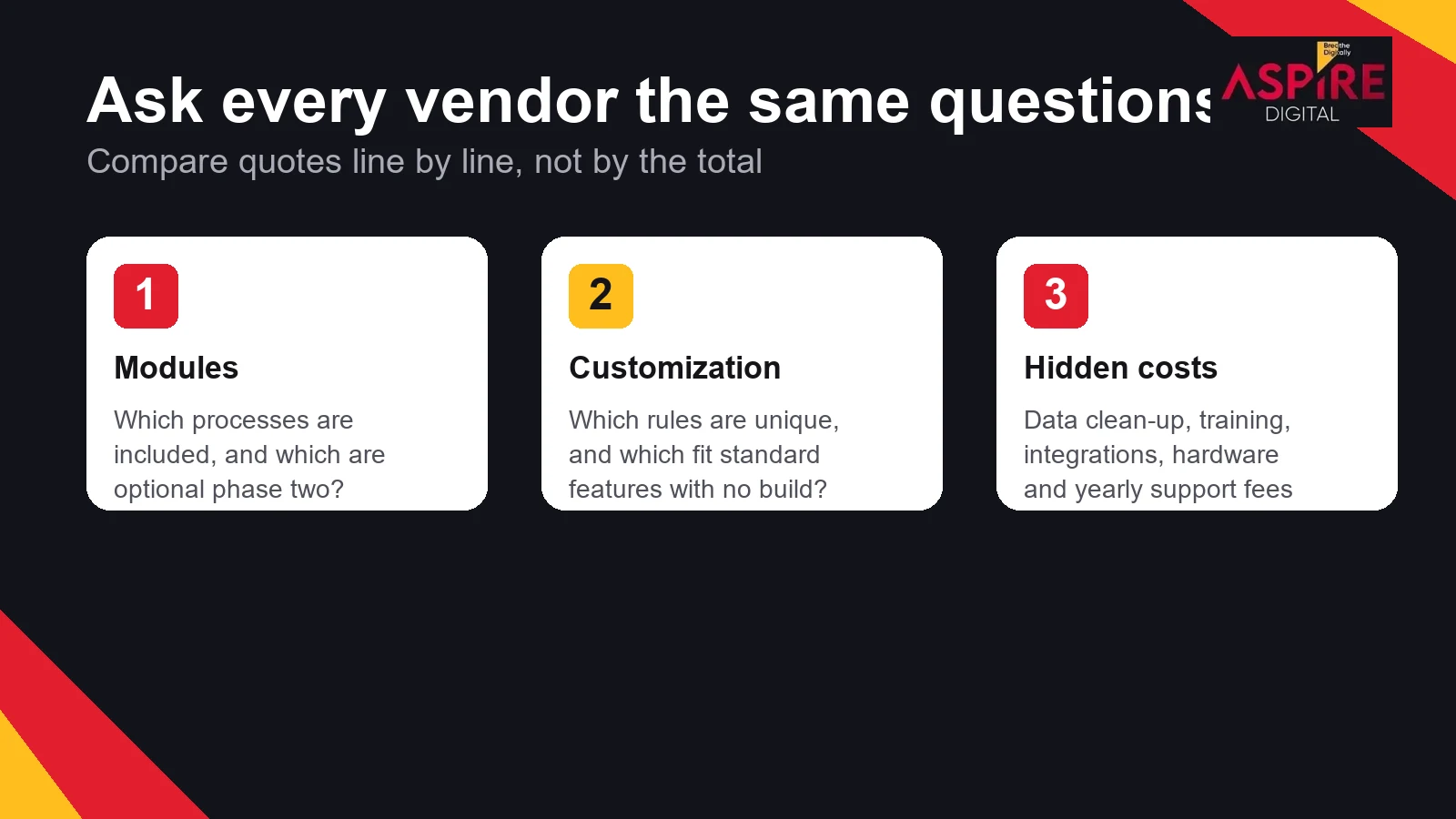
- Write down your processes first. A one-page list of how an order moves from enquiry to invoice to delivery is enough. Vendors price a clear scope far more accurately.
- Rank your must-haves. Separate the features you need on day one from the ones that can wait for phase two.
- Ask for a discovery session. A paid or fixed-fee discovery stage, which maps processes and data, lowers the risk of a large build that misses the point.
- Request the same template from every vendor. Use the cost-driver table above as the template, so answers can be compared directly.
- Check references. Ask to speak with a client of similar size and industry, and ask how the go-live compared with the original plan.
- Read the contract for ownership and exit terms. Confirm who owns the data, how you export it, and how the source code or licences are handled if you change vendor.
A sample comparison for a trading business
Consider a trading business with a showroom, a warehouse, a website and about 15 staff. The owner needs stock, invoicing, purchasing and accounts, but does not need manufacturing. Two quotes arrive. One is for a licensed ERP with standard modules. The other is for a custom build that covers the same modules plus a special pricing rule for wholesale customers. The table below shows the kind of difference to look for. The entries are examples of what to check, not prices.
| Item (example) | Licensed ERP quote | Custom build quote |
|---|---|---|
| Modules included | Stock, sales, purchasing, accounts | Same, plus wholesale pricing rules |
| Customization | Small changes only; wholesale rule needs a workaround | Wholesale rule built in from day one |
| Data migration | Listed as optional | Included, with a clean-up step |
| Training | Two remote sessions | On-site sessions for each team |
| Yearly support | Licence and support fee per user | Maintenance fee, set as a percentage of the build |
| Who owns the system | Vendor licence | Business owns the code, per contract |
In this example the licensed option looks cheaper at the start. The custom option may cost more upfront, but it removes the workaround for wholesale pricing and gives the owner more control. The right answer depends on how often the wholesale rule is used and how much a pricing mistake costs. Work that out before you choose.
Common budgeting mistakes
The first mistake is comparing software fees alone. Once implementation, training and support are added, the ranking of options often changes. The second is starting the build before the processes are written down. Every change made late costs more than the same change made during design.
The third mistake is treating data migration as an afterthought. Old spreadsheets rarely match, and the clean-up needs a named owner from your side. The fourth is skipping a budget for the first year of changes. A growing business will always want a new report or a new approval step, so set aside a small monthly amount for improvements.
Related guides: Digital Marketing for Small Businesses in Karachi
Frequently asked questions
How much does an ERP system cost in Pakistan?
The cost depends on modules, users, customization, data migration, integrations and support. Because each of these changes the scope, no fixed price applies to every business. Ask for a quote that lists each item separately, so you can see what drives the total.
Is a cloud ERP cheaper than a custom ERP?
A cloud subscription usually has a lower upfront cost and a faster start, which suits small teams. A custom build costs more at the start but can fit unusual processes better and gives you more control. Compare both over three years, including support, price changes and the cost of any custom work you may need later.
Do I have to pay a yearly support fee?
Most systems need some form of ongoing support for updates, fixes and security. Confirm what the yearly fee covers, how quickly issues are handled, and whether changes to reports or fields are included or billed separately.
How long does an ERP project take?
A focused project covering a few core modules often takes several weeks to a few months, including testing and training. Larger projects with many integrations take longer. A phased plan, which goes live one module at a time, usually lowers the risk and spreads the cost.