
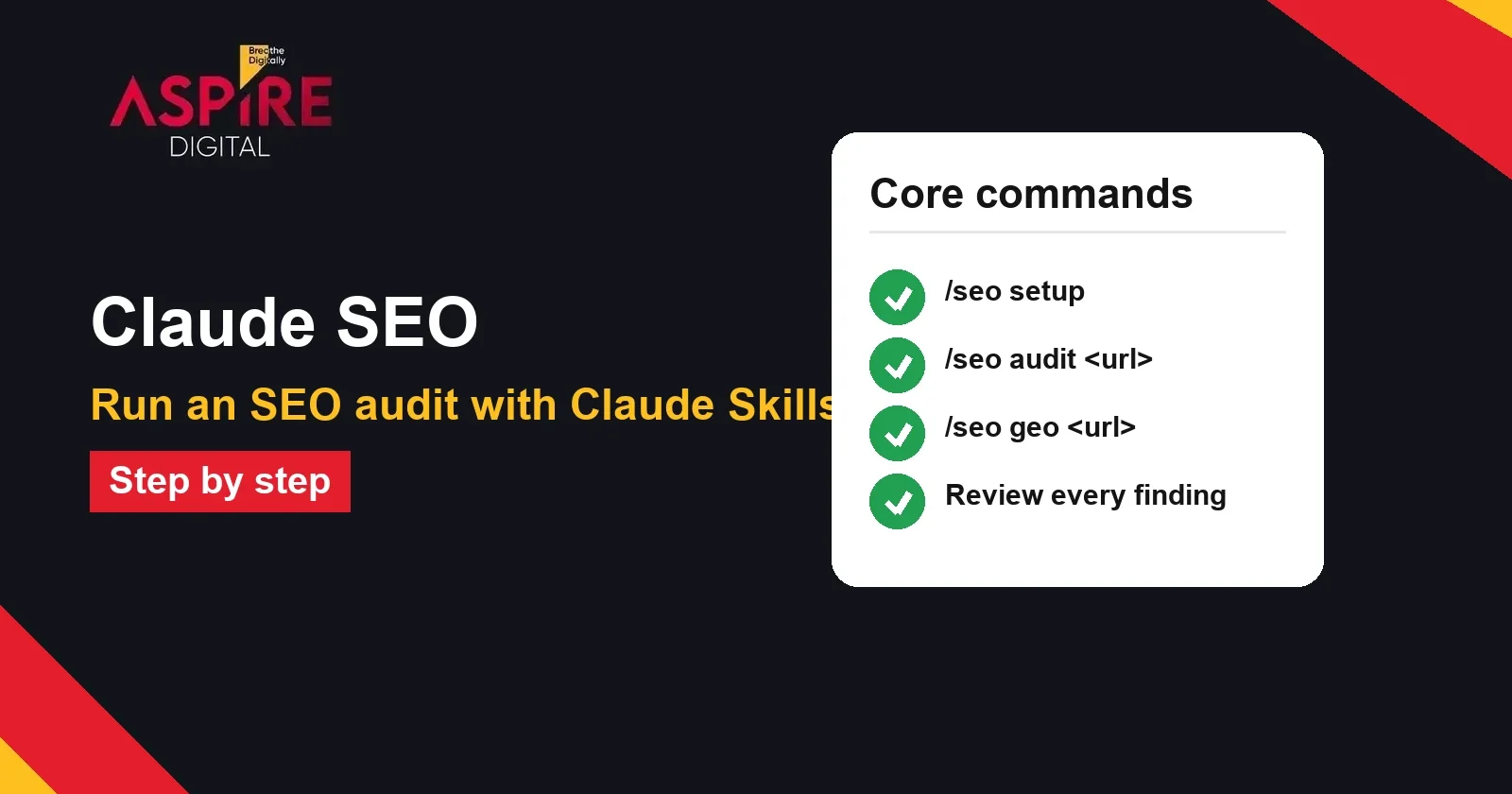
Quick answer: Claude SEO is an MIT licensed skill set for Claude Code that runs SEO audits. Install it with three commands, run /seo setup, then run /seo audit with a URL you have permission to test. Check each finding on the live site before you change anything.
Many SEO tasks are slow because they involve checking many pages and tools one at a time. If you would rather have a specialist run the audit and explain the fixes, our team offers SEO services in Pakistan for businesses that want the work done for them. This guide shows how to run a first audit yourself, what the output means and where the tool stops being useful.
What Claude SEO is
Claude SEO is an open source project by AgriciDaniel, published on GitHub under the MIT license. Its README describes it as a universal SEO skill for Claude Code. In short, it lets you run SEO checks with Claude from your own project folder. Claude AI for SEO works best as a first pass that you verify, not as a final verdict. It covers technical SEO, E-E-A-T, schema markup, GEO and AEO, agent readiness, backlinks, local SEO, e-commerce, international SEO, Google API data, and PDF and Excel reports. The project is at github.com/AgriciDaniel/claude-seo.
The README gives two different counts of its parts. One section says 26 sub-skills and 19 sub-agents, and another says 29 sub-skills and 20 specialist agents. Check the repository for the current figure before you describe it to a client. The commands below are the same in either version.
What you need before you start
- Claude Code version 1.0.33 or newer, installed on your computer
- A Claude account that can use Claude Code
- The website URL you want to audit, and permission to audit it
- Access to Search Console or analytics if you want to compare the audit with real data
Readers often ask about Claude for keyword research as well. The README does not list keyword research as a core command, so pair any keyword work with a dedicated keyword tool. The cost depends on your Claude plan or API account, because Claude usage is billed there. The skill itself is free to download under the MIT license.
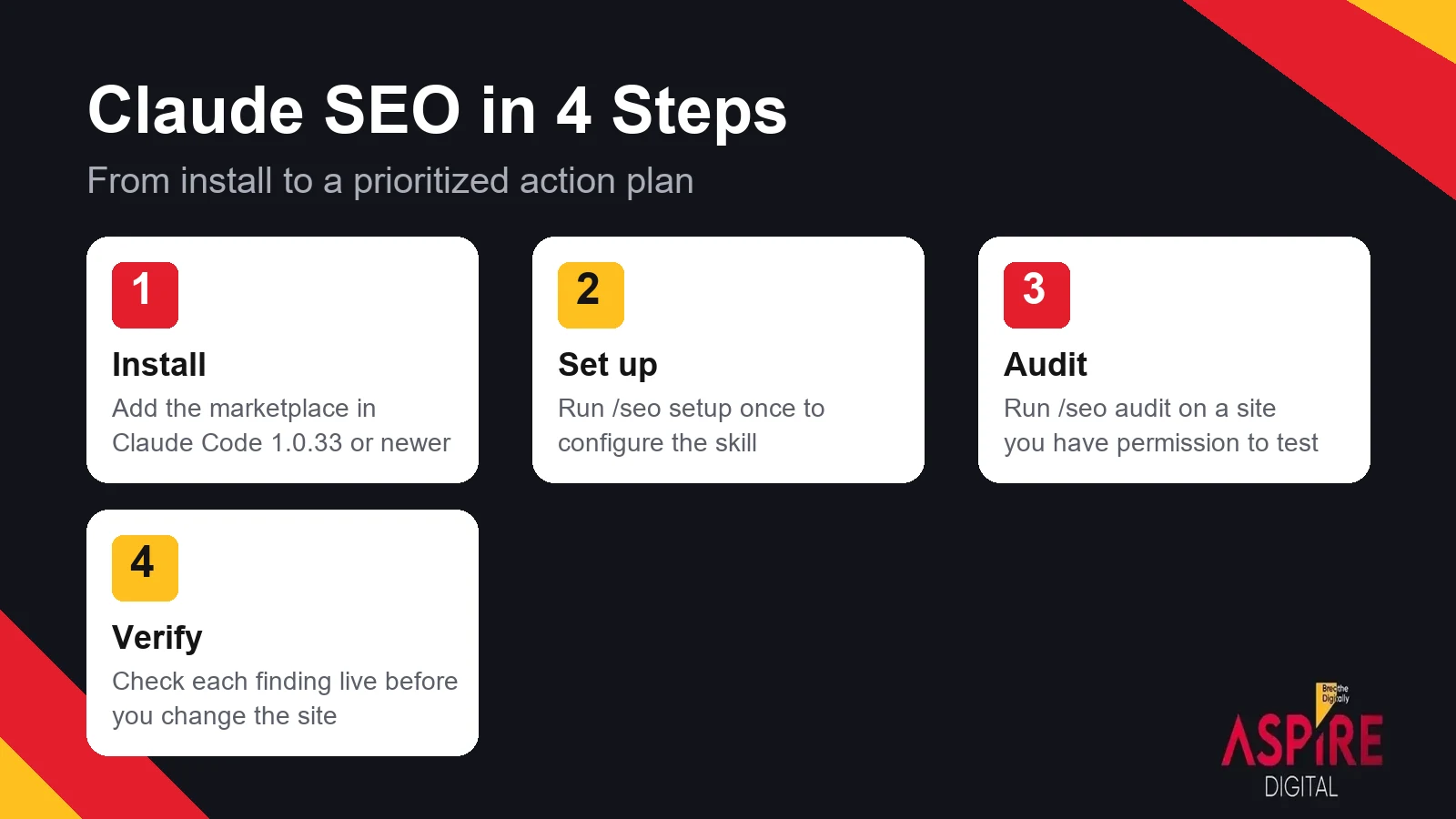
Step 1: Install the plugin
To install the claude seo skill, open Claude Code and run these three commands in order. The first adds the marketplace, the second installs the plugin, and the third sets up the skill for your environment.
/plugin marketplace add AgriciDaniel/claude-seo
/plugin install claude-seo@agricidaniel-claude-seo
/seo setup
Run /seo setup after installing and before your first audit. If the commands are not recognized, restart Claude Code and check the project README. The exact prompts can change between versions, so read what the setup asks before you accept each option.
Step 2: Run your first full audit
Run the audit command with the full address of the site, including https. The README describes it as a full website audit that uses parallel agents and produces a prioritized action plan.
/seo audit https://example.comThe audit command does the heavy lifting: it runs several checks in parallel and returns one prioritized action plan. Replace the example address with your own site. A full audit can take a while on a large site, so start with your homepage and a few key service pages if you want a quicker first result.
Step 3: Check AI search readiness with the GEO command
The README lists a separate command for GEO, which covers AI Overviews and Generative Engine Optimization. Run it on the pages that answer your most important questions.
/seo geo https://example.com/your-page/Treat the GEO output as a checklist of content and structure improvements. Google says that AI features need no special markup or AI-only files, so ignore any suggestion that depends on them. Our guide on AEO (Answer Engine Optimization) explains the answer-first approach in more detail.
| Task | Command | What you get |
|---|---|---|
| Install and configure | /seo setup | The skill is ready to use in your environment |
| Full website audit | /seo audit <url> | A prioritized action plan for the whole site |
| AI search review | /seo geo <url> | Notes on AI Overviews and GEO readiness |
How to read the results
An audit lists problems and suggests an order to fix them. Do not start with the longest list. Start with blockers that stop search engines from reaching or indexing a page, such as a noindex tag, a broken redirect chain or a page missing from the sitemap. Then move to content, then to speed and then to extras like schema.
An AI SEO audit with Claude is only as good as the checks you run afterward. Check each finding on the live page before you act on it. Tools can misread a template, a cached page or a block that only appears for some visitors. A finding that you cannot see on the live site is a question for your developer, not a fix to apply.
Verify before you change anything
Every change should be tested on a copy of the site or checked against the live page first. Save the audit output, make one change at a time and record the date. After a few weeks, compare the impressions and clicks in Search Console for the affected pages.
When you share an audit with a client or a colleague, separate the confirmed findings from the ideas that still need testing. Say which pages you checked, which date you checked them, and which findings you could not reproduce. This keeps the report honest and stops a long list from looking more certain than it is.
Keep credentials out of the audit. Do not paste application passwords, API keys or client files into a chat while you run an audit. If the audit needs access to a private site, use a read-only account and remove it after the work is done.
What the audit covers, area by area
The README lists a wide scope, so it helps to read the output in the same areas. Each area answers a different question about the site, and a problem in one area can hide a problem in another. For example, a page that is blocked from indexing will not benefit from better content until the block is removed.
| Area | Question it answers | Check first |
|---|---|---|
| Technical SEO | Can search engines crawl and index the pages? | Blocked pages, redirects and sitemap errors |
| Content and E-E-A-T | Does the page show real expertise and answer the query? | Author details, sources and the direct answer |
| Schema | Does the markup match the visible page? | Errors and markup for content that is not on the page |
| GEO and AEO | Is the page easy for AI search to use and cite? | Clear answers, headings and lists |
| Local SEO | Does the business profile match the website? | Name, address and phone consistency |
| Backlinks | Who links to the site, and are those links useful? | Lost links and links from unrelated sites |
Local and backlink findings need a second source before you act. A local listing should be compared with the business's own records, and a link report should be checked in Search Console or a backlink tool you already trust.
A simple first-week plan
A first audit is easier to manage when you split it into small steps. The plan below works for a small business site with fewer than fifty pages. Larger sites need more time for the verification step.
- Day 1: Install the plugin, run the setup, and confirm the commands work on a test page.
- Day 2: Run a full audit on the homepage and the main service pages, then save the output in a dated file.
- Day 3: Check the top ten findings on the live site. Mark each one as confirmed, not an issue, or needs a developer.
- Day 4: Fix blockers first, such as indexing and redirect problems, and recheck each page after the change.
- Week 2: Work through content findings for the pages that bring the most traffic, and update the schema where the visible text changed.
Keep the same plan for each new audit, so you can compare results over time. A repeatable process is worth more than a single large report.
Where Claude SEO stops being enough
A tool can find missing title tags, slow pages and schema errors. It cannot decide which search intent matters most for your business, judge whether your content is more useful than a competitor's, or confirm that a local listing matches your real office details. Those decisions need someone who knows the market and the client.
For a technical review that you can check line by line, start with our Technical SEO Audit Checklist. Use it alongside the tool so that you understand each finding instead of only copying the output.
Related guides: Understanding AEO (Answer Engine Optimization), Technical SEO Audit Checklist
Frequently asked questions
Do I need to be a developer to use Claude SEO?
You need to be comfortable running commands in Claude Code and reading the output. Basic knowledge of SEO helps you judge which findings matter. A developer is needed for fixes that touch templates, redirects or server settings.
Can Claude SEO replace an SEO specialist?
No. It speeds up the checking and gives a structured list of issues. Choosing priorities, writing content, building links and judging local search still need a person who understands your market and goals.
Which version of Claude Code do I need?
The install instructions in the project README require Claude Code 1.0.33 or newer. Update Claude Code before you install the plugin, and check the README if the commands change.
Is the tool free?
The skill is released under the MIT license. Your Claude usage is billed through your own Claude plan or API account, so check your plan before you run large audits.