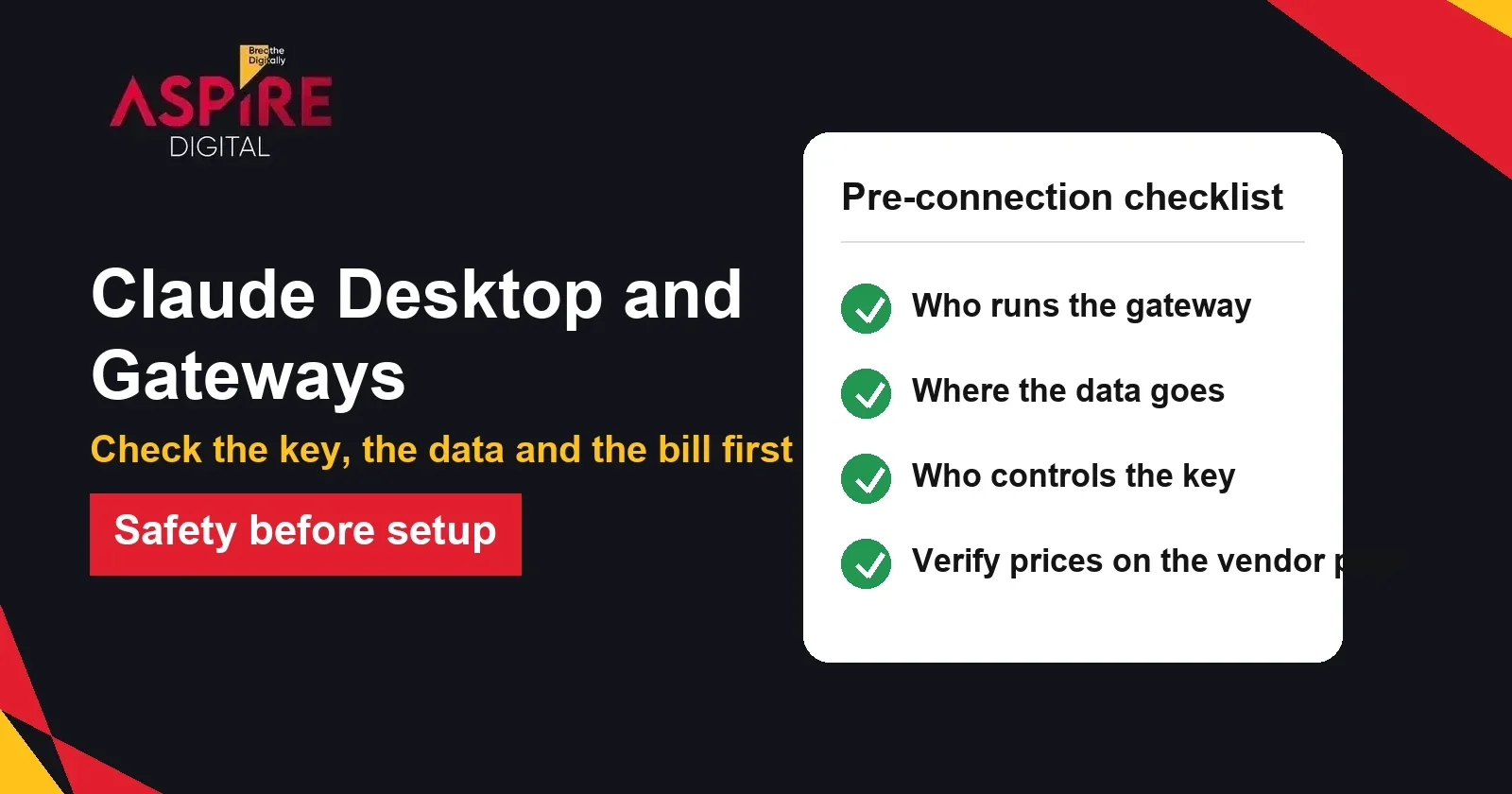
Quick answer: Claude Desktop can send its requests through a third-party gateway instead of connecting to Anthropic directly. The setup takes about ten minutes: enable Developer Mode, open Configure Third-Party Inference, and enter the gateway URL, the key and the auth scheme. Before you do it, check who runs the gateway, where your data goes, and whether the key and billing are safe to hand over.
Claude has become a common tool for marketing, writing and research work, and more teams are asking how to run it through their own accounts or a gateway. If your business needs help setting up AI tools safely, our digital marketing team in Karachi can review your tools, accounts and data flow before you connect anything new. This guide explains what a gateway is, how the setup works, and what to check first.
What a gateway is and why teams use one
A gateway is a service that sits between your app and the AI model. Your app sends its requests to the gateway, and the gateway forwards them to the model provider and returns the answer. Companies use gateways to control which models staff can use, to set spending limits, to keep logs, and to switch providers without changing every tool.
Some gateways are run by the company itself, on its own servers. Others are commercial services that sell access to models through their own accounts and billing. These two cases carry very different risks, so the first question is always who runs the gateway.
How the setup works in Claude Desktop
Claude Desktop includes a built-in option for third-party inference. The steps below follow the current layout, but menu names can change between app versions, so check the official documentation for your version.
- Install Claude Desktop from the official Claude download page.
- Turn on Developer Mode from the app menu. Open Developer, then choose Configure Third-Party Inference.
- Under Connection, set Inference provider to Gateway.
- Enter the gateway base URL. Use the root address of the gateway, without the /v1 part, because the app adds the path itself.
- Choose the credential kind. A static API key is the simplest option. Interactive sign-in is used when the gateway runs single sign-on.
- Paste the key, and choose the auth scheme: bearer is the default, and x-api-key is used by some gateways.
- Test the connection, save the changes, apply them, and restart the app.
- Check that the model list loads and that usage appears on the gateway's dashboard.
| Field | What to enter | Common mistake |
|---|---|---|
| Inference provider | Gateway | Leaving it on the default direct connection |
| Gateway base URL | The root address of the gateway, for example https://gateway.example.com | Adding /v1 or the full message path |
| Credential kind | Static API key, or interactive sign-in for single sign-on | Choosing sign-in when the gateway only uses a key |
| Gateway auth scheme | Bearer (default) or x-api-key | Using the wrong header, which returns an authorization error |
| Artifact preview origin | Leave blank unless your admin tells you otherwise | Entering a random address |
The official documentation says the base URL must use HTTPS unless it points to the local machine. A gateway also needs to support the standard Messages API, with streaming and tool use. If the gateway supports the model listing endpoint, the app fills the model menu automatically. If not, the model names must be entered by hand.
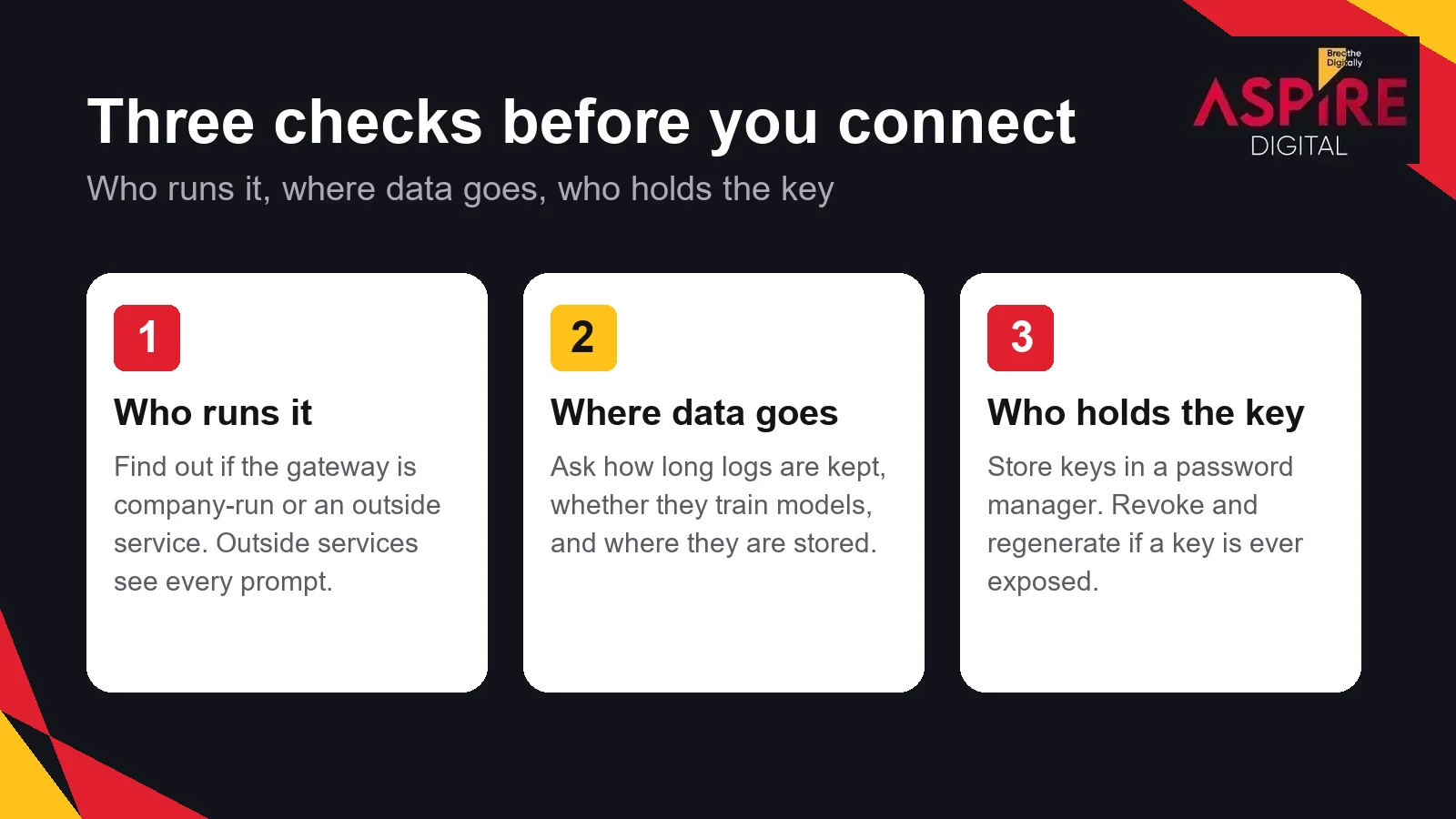
Check these three things before you connect
1. Who runs the gateway. Find out whether the gateway belongs to your company, your IT partner or an outside service. An outside service receives every prompt, every file you paste and every answer. Only use it for work you would be comfortable sending to that company directly.
2. Where the data goes and what is logged. The official documentation notes that a gateway which logs request bodies will also log the session details that Claude Desktop sends with them, such as user names and device details. Ask the provider how long logs are kept, whether they are used for training, and where they are stored. Do not send client personal data, medical records, financial records or confidential contracts through a service you have not vetted.
3. Who controls the key and the bill. The API key is the password to your usage. Store it in a password manager, never in a shared document or a chat message. If it leaks, revoke it in the gateway dashboard and create a new one. Also check the billing terms: what you pay, whether tokens expire, and whether prices can change without notice. Confirm the pricing on the provider's own page before you buy, and keep the receipt.
Prompt caching: a detail that changes your cost
Claude Desktop sends cache markers with each turn of a conversation, so the model does not have to reprocess the same instructions and earlier messages every time. The official documentation says a gateway that strips these markers, or changes the system prompt between requests, makes every turn cost the full input price. To check this, look at the usage fields the gateway returns. After the first request of a session, the cache-read count should be well above zero on most requests. If it stays at zero, ask the gateway provider to review how it forwards requests.
When a gateway makes sense, and when a direct plan is better
A company-run gateway can make sense for a team that wants central control over spending, logs and access. A direct subscription or API account from the model provider is often simpler for a freelancer or a small team that does not need that control. Commercial resellers can look cheap, but the savings are only real if the service is reliable, the data handling is clear, and the billing is transparent.
| Situation | Usually a good fit | Be careful when |
|---|---|---|
| Company with an IT team | Company-run gateway with logs and spending limits | Staff use personal keys with no oversight |
| Freelancer or small team | Direct account from the model provider | A cheap reseller holds your key and prompts |
| Agency with client work | Gateway agreed in writing with the client | Client files go to a service nobody has reviewed |
| Testing and learning | Free tier or small test budget | Using real client data in a test setup |
Whatever you choose, write down which tools connect to which service, who holds each key, and what data each tool can see. A short record like this makes it much easier to answer a client or an auditor later.
A simple team policy for AI tools
Most problems with AI tools come from informal use, not from the setup itself. A short written policy prevents most of them. Keep it to one page that every team member can read in five minutes.
- Name the approved tools, and say which ones may be connected to a gateway.
- Say which types of data may never be pasted into any AI tool, such as passwords, bank details and client identity documents.
- Give each person their own key. Never share one key between people.
- Store keys in a password manager, and revoke any key that a staff member leaves with.
- Review the usage history once a month, and check the bill against the plan.
- Ask for approval before connecting any new service, gateway or browser extension.
Keep the policy simple enough that people will follow it. A reviewed list of approved tools, with a clear owner, is more useful than a long document that nobody reads. Update it when you add a tool, and tell the team what changed.
Related guides: Digital Marketing Agency vs Freelancer: Which Should You Hire?, Understanding AEO (Answer Engine Optimization)
Frequently asked questions
Is a third-party gateway the official way to use Claude?
No. The official route is a direct account or subscription with the model provider. A gateway is an additional layer that forwards your requests. It can be useful, but it adds another company or system that handles your data, so review it as you would any vendor.
Can I send client data through a gateway?
Only if the gateway is approved for that data and your client agreement allows it. Check where the data is stored, how long logs are kept and who can read them. For personal or sensitive client data, a short written review is the safest starting point.
What should I do if my API key was exposed?
Revoke the key in the provider's dashboard right away and create a new one. Then check the usage history for unfamiliar requests, update the key in every tool that uses it, and record what happened. Do not reuse a key that has been shared in a chat, a screenshot or a document.
Why does the model list look different from the official list?
The app shows whatever the gateway returns, so the names and options depend on the gateway. Some gateways add their own routing prefixes to model names. Compare the list with the model provider's current documentation, and confirm the price of each model before you use it for work.