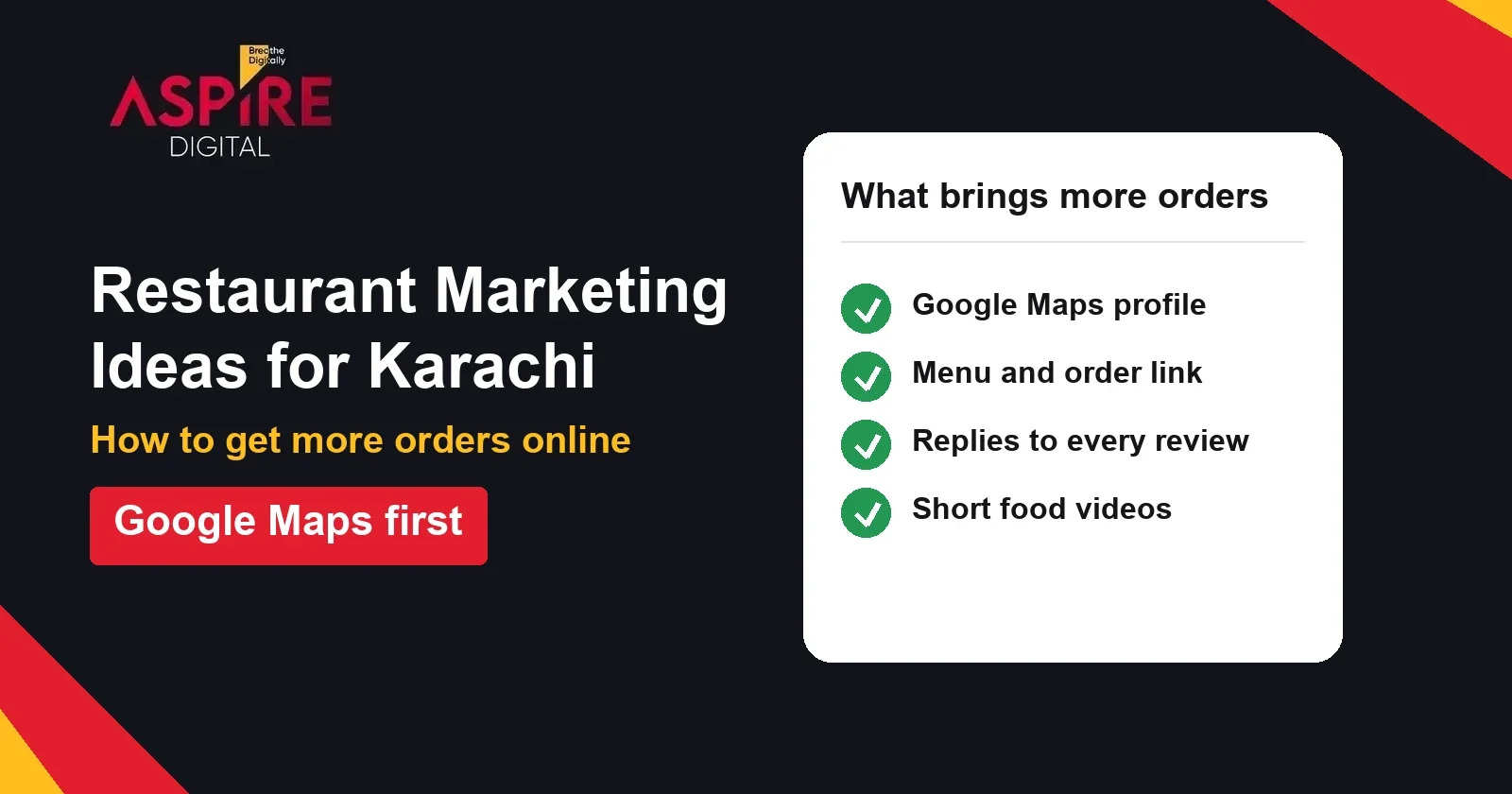
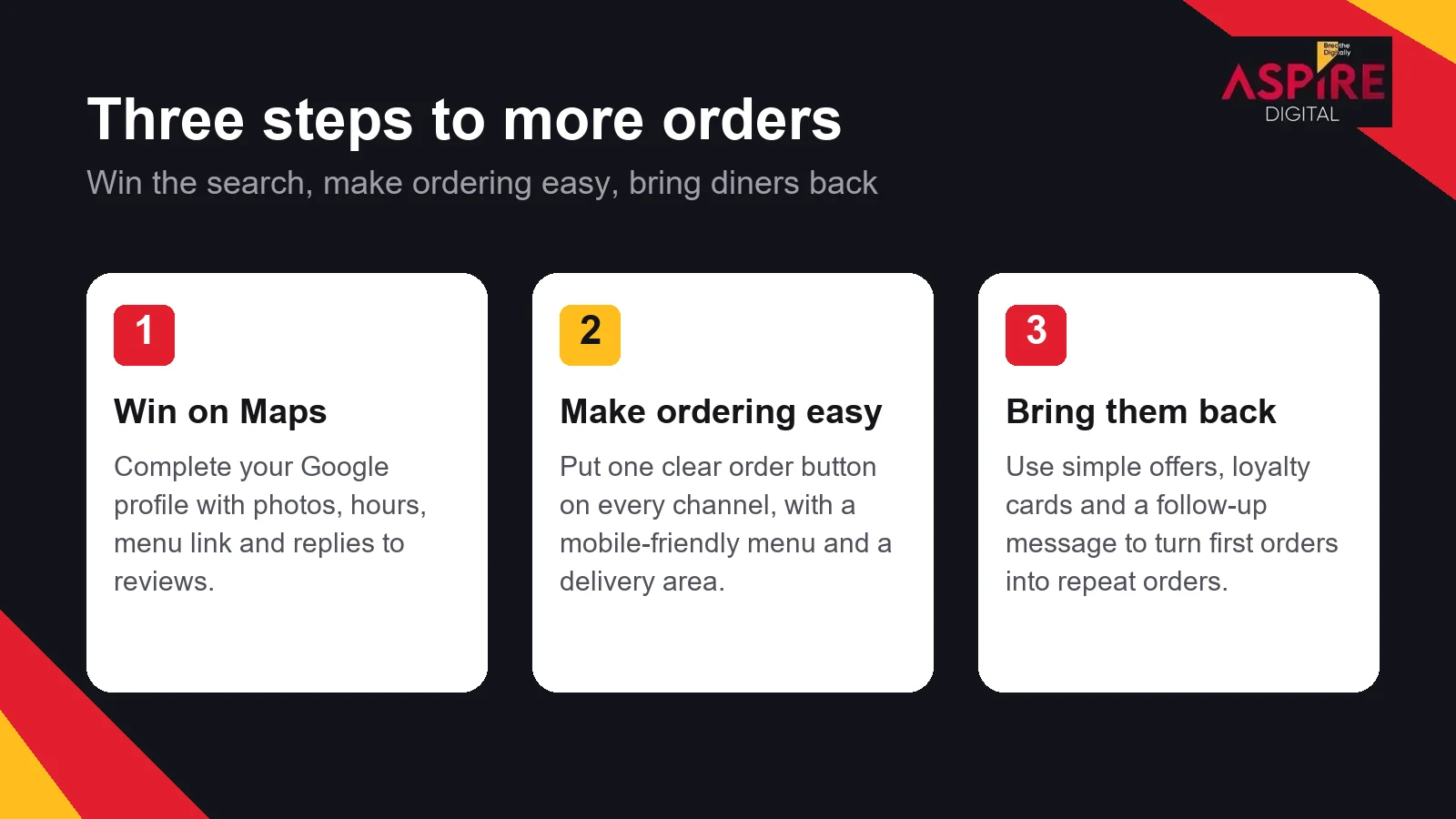
Quick answer: Restaurant marketing ideas for Karachi work best when they bring hungry customers to three things: your Google Maps listing, your menu and your order button. Fill in your Google profile, make ordering easy on every channel, post food and short videos, and bring diners back with simple offers. Track which channel brings each order.
Many restaurants in Karachi grow fastest when they fix the basics first. If you want a team to build the whole system, see our digital marketing for restaurants service. The steps below are the ones you can start on this week.
Start where people search: Google Maps
Many people look up a restaurant on Google Maps before they visit or order, often on their phone and often with a clear idea of what they want to eat. A complete profile helps your restaurant show up for those searches and gives people what they need in one tap.
- Correct name, address, phone number and opening hours, including holiday hours
- A menu link or menu photos that are up to date
- The right categories, such as your cuisine and whether you offer dine-in or delivery
- Photos of the food, the interior and the team, refreshed often
- A reply to every review
For the full checklist, read Google Business Profile Optimization: A Step by Step Guide for Karachi Businesses. Keep your profile name the same as your signboard. Adding extra keywords to the name can break customer trust and can break Google's rules.
Make ordering easy on every channel
A hungry customer who cannot find the order button will try the next restaurant on the list. Put one clear order link on your Google profile, your Instagram bio and your website, and use the same name, menu and prices everywhere.
Your menu should load quickly on a phone. If you do not deliver yourself, say so clearly and list the areas you do cover, so people do not place an order you cannot fill.
| Channel | What to put there | Common mistake |
|---|---|---|
| Google Maps | Order link, menu link and correct hours | An old menu or holiday hours that are wrong |
| Instagram bio | One order link and your area | Several links with no clear next step |
| Website menu | A mobile-friendly menu with prices | A PDF menu that is hard to read on a phone |
| Delivery apps | The same photos, prices and offers as your own menu | Different prices on the app and in the restaurant |
Show the food with short video
Food is visual, so short videos of cooking, plating and the busiest hour of service often work better than a static banner. Film in good natural light, keep clips short, and show the dish first and the place second. Mix new dishes, daily specials and real customers enjoying the food, with their permission.
The principles are the same as in Short Form Video for Brand Awareness. A short clip that makes someone hungry is more useful than a long video that nobody watches to the end.
Use paid social to reach people nearby
Paid social helps when you want orders from people who live or work near a branch, especially for a new dish or a weekend offer. Set the ad radius around your restaurant, use a clear photo of the dish, and link to the order page rather than the homepage. Pause ads for items that are sold out.
For a fuller view of how to set up campaigns, read Facebook Marketing Strategies That Work. Start with a small budget, check which ads bring orders, and move more spend to those.
Reviews bring the next customer
Customers read reviews before they order, and a restaurant that answers them looks well run. Reply to every review within a day or two. Thank people for good feedback, and answer complaints calmly with a clear fix or a way to contact the manager.
Ask happy customers to leave a review after their meal, but never offer a reward in exchange. Google does not allow incentivised reviews, and a fake or bought review can get your profile into trouble.
Offers that bring people back
Offers work best when they are simple. A weekday lunch deal, a family bundle or a loyalty stamp card gives people a reason to choose you again. Before you launch an offer, check the margin on the items involved, so the deal does not cost more than it brings in.
| Offer | Goal | What to watch |
|---|---|---|
| Weekday lunch deal | Fill quiet hours | Portion size and margin on the set |
| Family bundle | Raise the order size | Keep it easy to order online |
| Loyalty stamp card | Repeat visits | Make the card easy to use and track redemptions |
| Weekend special | Bring people in | Limit stock so the kitchen can keep up |
List on delivery apps the right way
Delivery apps bring orders from people who are already looking for food, so they are worth the effort. Keep the listing as close to your own menu as possible. Use the same photos, the same item names and the same prices, and make sure the opening hours match the hours on your Google profile.
Check the listing every week. A sold-out dish that still shows as available, or a closed branch that still shows as open, creates bad reviews fast. Respond to each rating on the app in the same way you reply to Google reviews, and use the app's own offers only where the margin allows.
- Same menu, item names and prices as your own channels
- Clear photos of the top-selling dishes
- Opening hours that match your Google profile
- A weekly check for sold-out items and closed branches
Keep the menu current across every channel
The most common reason a customer leaves a bad review is that the menu they saw online was not the menu they got. Pick one person to own the master menu, and update it in the same session whenever a price, a dish or a portion size changes. Then update the Google profile, the website, the delivery apps and the Instagram highlights in one go.
Write down the date of each change in a shared sheet. When a customer complains about a price, you can check quickly whether the listing was out of date or the order was handled wrongly, and you can respond with facts instead of guesses.
Use local events and neighbourhood partnerships
Local marketing is not only digital. Offices, schools, gyms and housing societies near your restaurant can become regular customers, especially for lunch orders and group bookings. Offer a simple corporate lunch menu, a catering option for small events, or a thank-you offer for a nearby business that refers staff.
Then share the same activity online. A photo of a birthday celebration or a team lunch, posted with permission, gives your Google profile and social pages fresh content that real people created, and it shows that your restaurant is part of the area.
Track which channel brings orders
Give each channel its own tracking so you know what works. Where possible, use a separate link or discount code for Google Maps, Instagram and each delivery app, and ask new customers how they found you. Review the numbers every month, and drop anything that does not bring orders.
- Set up one order link per channel, with its own tracking.
- Ask every phone order "How did you hear about us?" and log the answer.
- Compare orders by channel at the end of each month.
- Move budget to the channels that bring paying customers.
A simple monthly plan for Karachi restaurants
A small team can cover most of this in a few hours each week. Keep the plan short and repeat it every month.
- Check Google Maps for correct hours, current photos and a working order link.
- Reply to every review, and flag any complaint that needs a manager.
- Post a few food videos and one clear offer.
- Review orders by channel, and change one thing based on the results.
Related guides: Facebook Marketing Strategies That Work, Short Form Video for Brand Awareness
Frequently asked questions
Do I need a website to get more orders?
Not always, but you do need a clear way to order. A Google profile with an order link and a delivery app listing can work for many restaurants. A simple website with a mobile menu gives you more control over the experience and helps with repeat orders.
How often should a restaurant post on Instagram?
Post consistently rather than in bursts. A steady mix of food, behind-the-scenes and customer posts usually works better than posting heavily for one week and then stopping. Choose a schedule your team can keep.
Are paid ads worth it for a small restaurant?
They can be, if they are set up around one branch, one clear offer and a link to the order page. Start small, track the orders from each ad, and stop anything that does not bring customers.
What should I do about a bad review?
Reply calmly and quickly, apologise for the bad experience, and offer a clear way to follow up, such as a manager's phone number. Do not argue in public, and never ask a customer to remove a review in return for a favour.