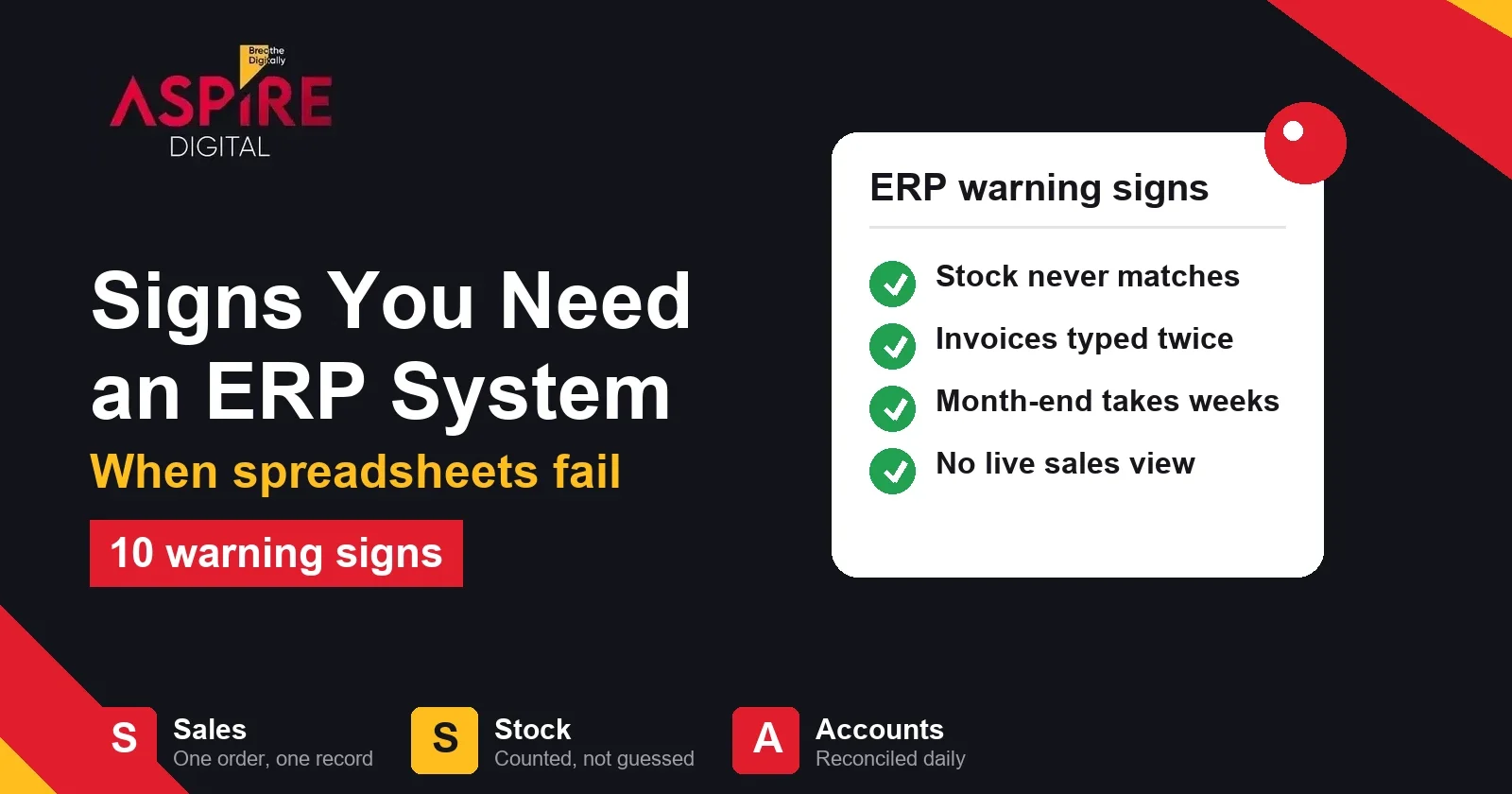
Quick answer: Your business likely needs an ERP system when your team spends more time moving data between spreadsheets than running the business. Warning signs include stock that never matches the shelf, orders typed twice and month-end closing that drags on for weeks. An ERP puts sales, stock and accounts in one database, so the numbers stay consistent as you grow.
If you recognise several of these signs, a custom ERP software build may be worth a closer look. Our Karachi team designs ERP systems around how your business already works, rather than forcing you into off-the-shelf software that changes your process.
The term ERP, or enterprise resource planning, describes software that runs the core processes of a company from one place. Sales, purchasing, inventory, accounts, staff and reporting share the same data. That is the main difference from a collection of separate apps, where each tool keeps its own copy of the truth.
Most small businesses do not start with an ERP. They start with a spreadsheet, add a second file when the first gets too big and hire someone to keep the files in line. That works for a while. The problems appear gradually, which is why owners often miss them until the cost is already high.
Spreadsheets versus an ERP: where the line is
Spreadsheets are not the enemy. A single owner-operator with a few products can run well on them, and an ERP adds cost and change that may not pay back for a business that small. The line moves when more than one person must change the same data, when mistakes start costing real money, or when you need the same numbers across sales, stock and accounts at the same time.
A useful test is to ask who fixes the errors. If the answer is a person who spends hours each week reconciling files, the spreadsheets have become an expensive system with no controls. An ERP removes the reconciling by making each piece of data enter once and flow to every place it is needed.
10 signs your business needs an ERP system
Use this list as a self-check. If three or more apply to your business, it is worth a serious conversation about a system.
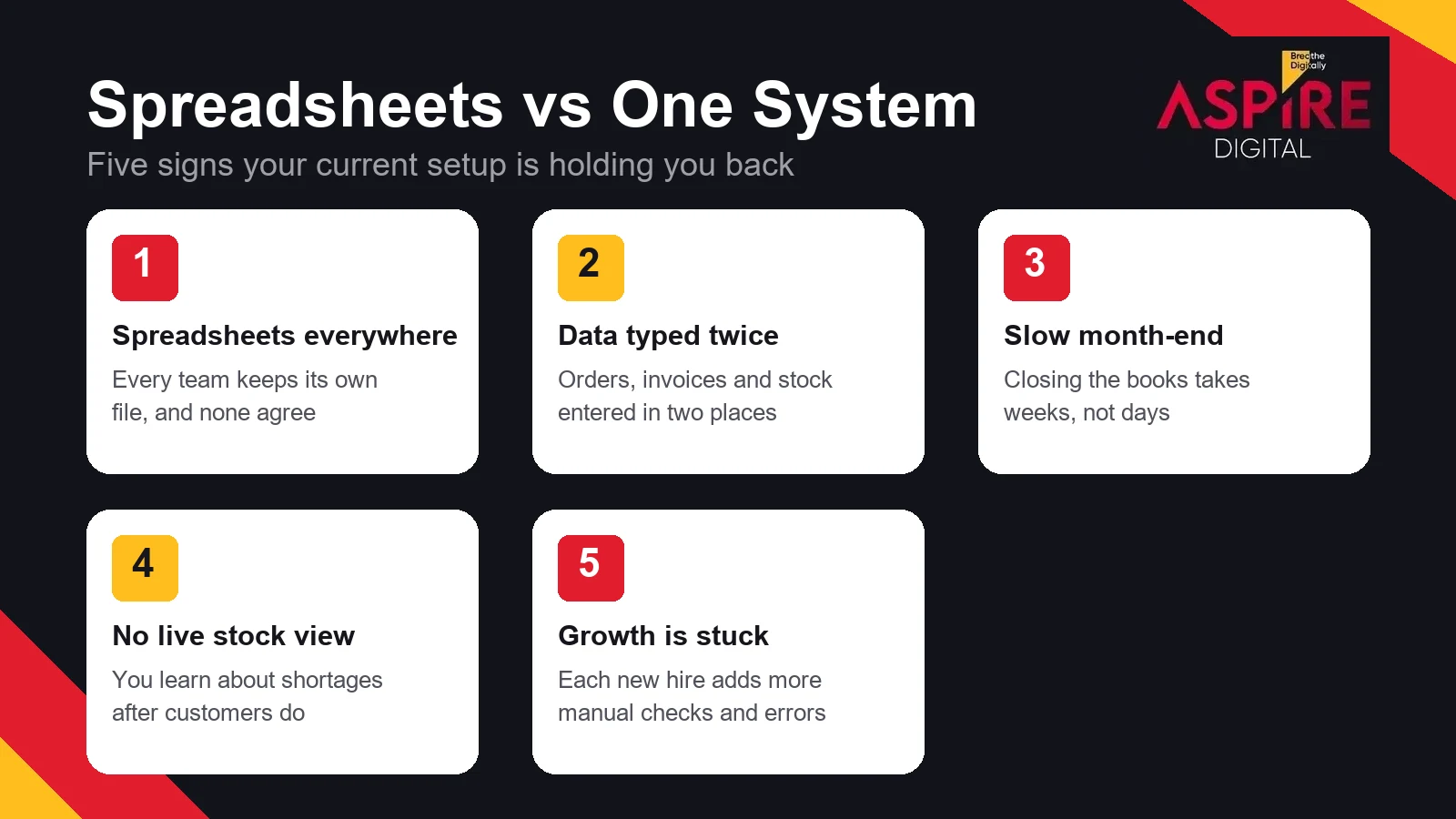
- Your spreadsheets have become the system. Key decisions depend on one file that only one person understands. If that person is away, the business slows down.
- Stock figures never match the shelf. Counts differ between the warehouse, the sales sheet and the accounts. Staff spend time on recounts instead of on sales.
- The same order is entered twice. Sales records an order, then accounts or the warehouse types it in again. Each re-entry is a chance for a mistake.
- Month-end closing takes weeks. When the books need a long clean-up before reports can be trusted, the data is not flowing between teams.
- You cannot see sales, stock and cash together. Answering "what sold this week and what is left?" needs several files and a few hours of work.
- Customer details live in different places. Sales, support and accounts each hold part of the customer history, so no one has the full picture.
- Reports are built by hand and go out of date. By the time a report is finished, the figures it shows have already changed.
- Every new hire adds more checks. When growth means more manual reconciliation rather than more output, the process has reached its limit.
- Prices or invoices differ between teams. Two people quote different prices for the same product, and customers notice before the owner does.
- Admin work is slowing growth. If your best people spend their time on data entry and chasing numbers, the business cannot take on more clients without adding more admin.
What an ERP system should cover
An ERP is only useful if it covers the work your business does every day. Look for these areas before you buy or build anything.
- Inventory and warehouse: stock levels by location, low-stock alerts, transfers and barcode support.
- Sales and invoicing: quotations, orders, invoices, receipts and customer ledgers in one place.
- Purchasing and suppliers: purchase orders, goods received records and supplier payments linked to stock.
- Accounts: a ledger that updates from sales and purchases, so the books do not need to be rebuilt each month.
- Reporting: live sales, profit and stock dashboards that show the same figures to every team.
- Access and training: role-based access for staff, and a plan to train people before the old files are switched off.
Ask any vendor how the system handles your three most common processes. A good answer describes your workflow back to you. A weak answer only lists features.
Custom ERP or ready-made software?
Ready-made ERP products suit businesses whose processes match the standard flow. They can be quick to start, but they often force a change in how the team works. Custom software suits businesses with an unusual workflow, several locations or a need to connect existing tools. It takes longer to build, but the system fits the business rather than the other way round.
Either way, the first step is the same. Write down how work moves from an enquiry to a paid invoice, and mark every point where data is typed again. That map shows what the system must do, and it stops you paying for modules you will never use.
What changes for your team after an ERP goes live
The biggest change is not in the software. It is in the habits of the people who use it. Sales staff stop keeping their own lists, because the order is entered once and every other team can see it. The warehouse stops asking accounts for the latest stock figure, because the figure is already on screen. Managers stop waiting for a month-end report, because the numbers are live.
This shift takes time. Some staff will feel that the new system is slower at first, especially if they were used to a spreadsheet they could change freely. That is normal. The fix is to explain why each field exists, to remove fields nobody uses, and to measure the time saved on the processes that mattered most before the change.
Two things usually improve quickly. The first is trust in the numbers, because everyone works from the same record. The second is the speed of decisions, because a manager can check stock, cash and sales in one place rather than asking three people for three answers.
Mistakes to avoid when moving to an ERP
Most ERP projects that disappoint do so for avoidable reasons. The first mistake is copying a messy process into a new system. If the old workflow has duplicate steps, the software will automate the duplicates. Fix the process on paper before you configure anything.
The second mistake is leaving data clean-up to the end. Customer lists, stock codes and supplier records need to be checked before they move, because a system built on duplicate customers gives duplicate reports. Assign one person to own the master data from the start.
The third mistake is switching everything off on the same day. Running the old file and the new system side by side for a short period lets you compare the totals and catch gaps while the business still has a fallback. Once the figures match for several cycles, the old file can be retired.
The fourth mistake is skipping training because the team seems busy. Training is cheapest before the go-live, when people are still learning the process rather than fighting the change. Short, role-based sessions work better than one long demonstration.
How an ERP project usually runs
A sound ERP project moves in stages. It starts with a discovery session that maps current processes and pain points. The team then agrees on the modules to build first, and a pilot runs with one team before the change reaches the rest of the business. Training and data migration are planned from the start rather than added at the end. This order keeps the project small enough to test and keeps staff involved in the change.
Related guides: Digital Marketing for Small Businesses in Karachi
Frequently asked questions
Is an ERP only for large companies?
No. Small businesses with several staff, stock and a growing customer base often benefit, especially when spreadsheets start to conflict. The right size of system depends on how many processes need the same data, not on headcount alone.
How do I know if my spreadsheets are a problem?
Count how often you fix the same error and how long reconciliation takes each week. If the errors cost money, or the reconciliation takes a person's full day, the spreadsheets have become a system without the controls a system should have.
Can an ERP connect to my website or online store?
In most cases, yes. Orders, stock and customer records can flow between a website or online store and the ERP, which removes the need to type online orders into a second system. The method depends on your website platform and on the data you need to sync.
Should I replace all my tools at once?
Usually not. A phased approach moves one process at a time, such as stock or invoicing, and keeps the old tools running until the new one is proven. This reduces risk and gives staff time to adjust.
1 comment