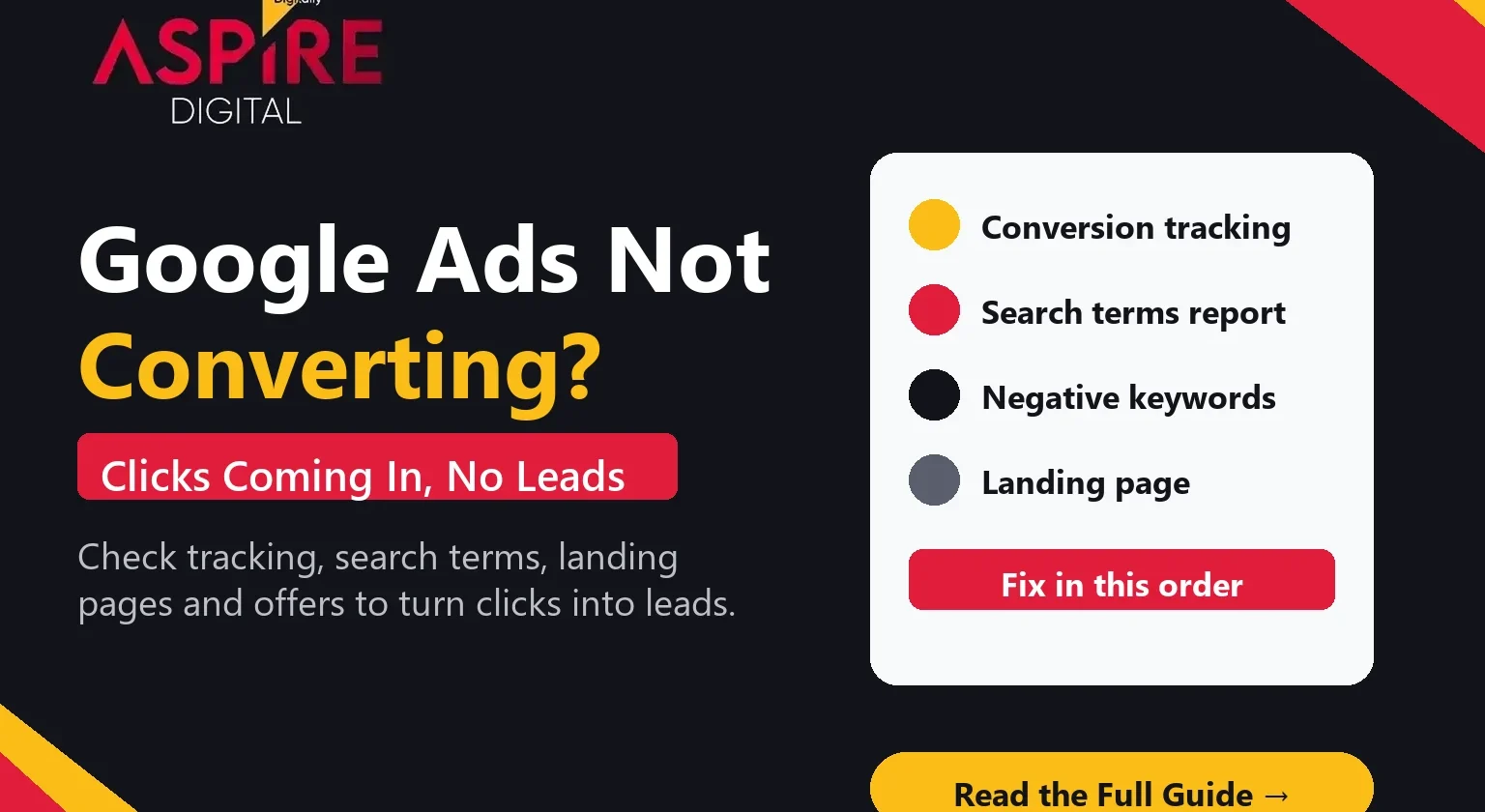
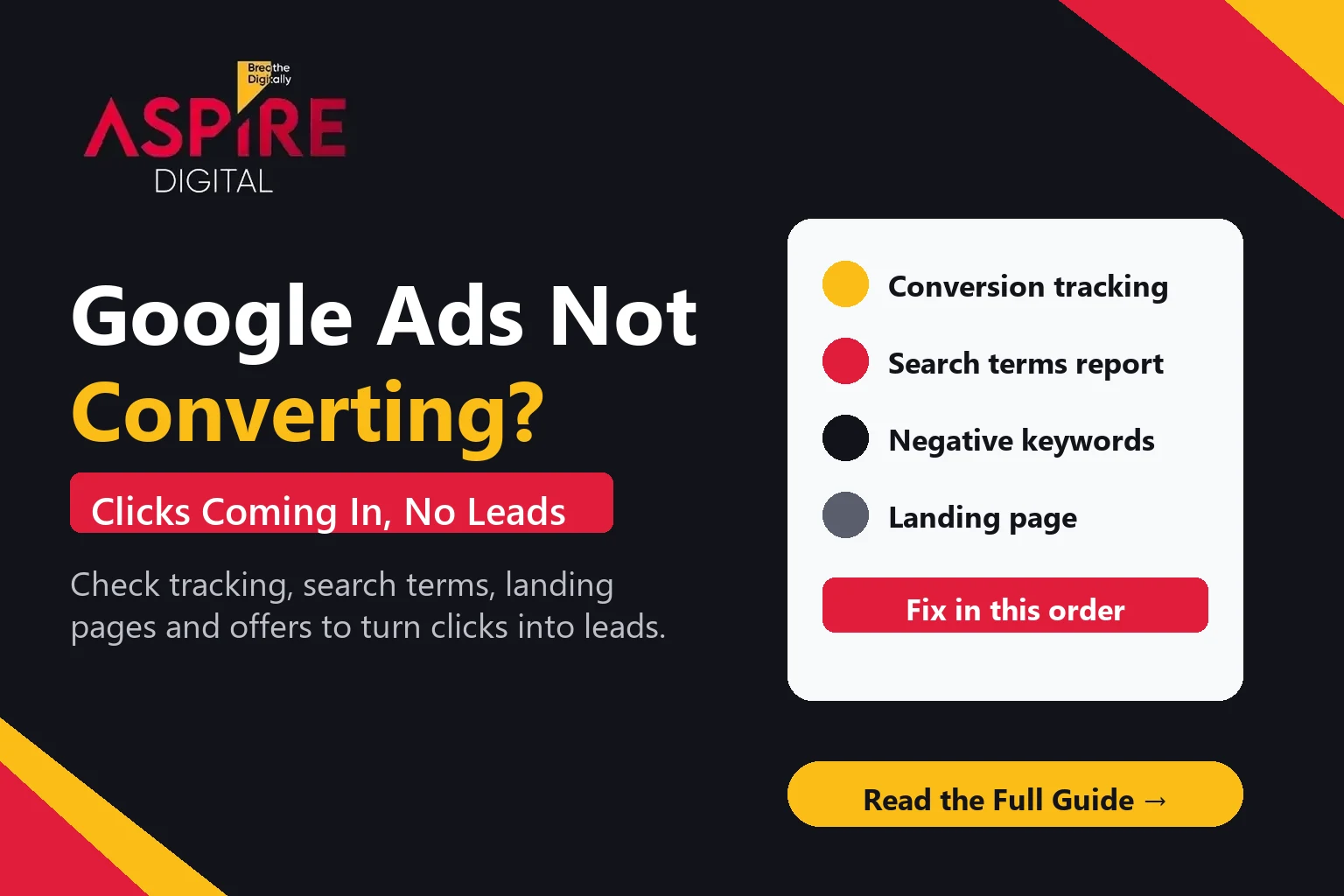
Quick answer: If Google Ads is not converting, the clicks are usually fine and the problem sits somewhere after the click. The most common causes are conversion tracking that counts the wrong actions (or none), search terms that bring in people who were never going to buy, a landing page that does not match the ad, and an offer that is weak or hard to act on. Check these in order, because fixing tracking first tells you whether the rest of the account is really failing.
Many Pakistani businesses reach this point after a few weeks of spending. The dashboard shows plenty of clicks, the cost looks reasonable, but the phone is quiet and the enquiry form gets very few submissions. Before you change budgets or switch to a new campaign, it helps to know what each part of the account is doing. If you want a team to run this check for you, our Google Ads management in Pakistan service starts with exactly this audit. This guide walks through the eight checks we run first.
Why Google Ads gets clicks but no leads
A click only tells you that someone saw your ad and chose to visit. It does not tell you whether that person was a good fit, whether they could find what they wanted on your page, or whether they were able to contact you. A campaign can be working well on clicks and still be failing on leads, and the cause is almost never one single thing. Use this checklist to find the gap between the two.
1. Check conversion tracking first
Conversion tracking is the first thing to verify, because every other number depends on it. If the account is not counting leads correctly, you may be optimising towards the wrong goal or believe a campaign is failing when it is simply not being measured.
- Is a conversion set up at all? Open the conversions section and confirm there is an action for form submissions, calls and WhatsApp clicks, not only page views.
- Does it fire on the real thank-you step? Submit a test form yourself and check that the conversion appears in the account within the expected time.
- Is the conversion counted once? A thank-you page that reloads, or a tag that fires on every page, can inflate leads and mislead the bidding.
- Are phone calls and WhatsApp clicks tracked? Many service businesses in Pakistan get most of their enquiries this way, so a form-only setup can make a working campaign look empty.
If you use Google Analytics 4, confirm that the same events are imported and that the lead event matches what Google Ads counts. A mismatch between the two is a common reason for confusing reports.
2. Read the search terms report
The search terms report shows the actual phrases people typed before clicking your ad. It is often the fastest way to see why clicks are not turning into leads. A keyword such as "Google Ads" can match searches from students, job seekers, people comparing free tools, or customers looking for a completely different service.
Go through the report for the last 30 days and sort by cost. Look for queries that do not match what you sell, such as "Google Ads course", "free Google Ads", "Google Ads jobs" or a competitor's brand name you are not targeting on purpose. Those queries spend budget without any real chance of a lead.
3. Add negative keywords
Once you have found irrelevant search terms, add them as negative keywords so your ads stop showing for them. Start with exact negatives for specific phrases and phrase negatives for patterns, such as "course", "jobs", "free" or "template" where those words never lead to a sale for you.
Negative keywords should be reviewed every week in the first month, then every two weeks once the campaign is stable. Keep a shared list at the account level for terms that apply everywhere, so the same wasted searches do not come back in new campaigns.
4. Match the keyword to the landing page
If someone searches for "Google Ads management in Karachi" and lands on your homepage, they have to search again for the service they wanted. Many will leave. Each ad group should send visitors to a page that talks about the same service, offer and location as the keywords and ad text.
Check whether the page answers the question in the first screen. A visitor should see what you offer, who it is for, what it costs to start (or how you price), and how to contact you without scrolling far. A page that only describes your company history is a common reason for high clicks and low enquiries.
5. Improve the landing page conversion rate
Once the traffic is relevant, the next step is to make it easy to act. A landing page conversion rate depends on speed, clarity and trust. Check the page on a mid-range Android phone on mobile data, because that is how many of your visitors will see it.
- Speed: a slow page loses visitors before they read anything. Compress images and remove heavy scripts that are not needed on the landing page.
- One main action: choose one primary goal, such as a form, a call button or a WhatsApp link, and make it easy to find on mobile.
- Short forms: ask only for what you need to call back. Every extra field lowers the number of people who finish.
- Proof: reviews, client names (with permission), results you can explain, and clear contact details build trust quickly.
- Clear headline: repeat the service name the visitor searched for, so they know they are in the right place.
6. Review your offer and call to action
Sometimes the traffic and the page are fine, but the offer is not strong enough to make someone reply. "Contact us" asks a lot from a stranger. A free audit, a short consultation, a sample report or a clear starting package usually gives people a reason to take the first step.
Make sure the ad text and the landing page make the same promise. If the ad says "free audit" and the page asks for a full brief before anything happens, visitors feel misled and will not finish the form.
7. Look at device, location and schedule
Break the results down by device, location and time of day. A campaign may be strong on desktop and weak on mobile, or it may spend heavily in areas where you do not serve customers. If most of your clients are in Karachi, for example, reduce spend in cities you cannot service and move budget to the times when enquiries come in.
8. Give the campaign time, but set a clear review date
New campaigns need data before they can optimise. Google's bidding works better after it has enough conversions to learn from, and that can take several weeks in a low-volume account. Do not switch strategy every few days. Set a review date, usually after two to four weeks, and decide in advance which numbers would make you change the plan.
If tracking is correct, the search terms are relevant, the page is clear and the offer is strong, but leads are still low, the issue may be the sales follow-up. Check how quickly enquiries get a reply, because a lead that waits a day often goes cold. Our guide on lead generation in digital marketing covers how to build the wider system around the ads.
Should you pause the campaign while you fix it?
Pause a campaign only if it is clearly losing money on irrelevant clicks or broken tracking, and you cannot fix it quickly. A short pause can stop the waste, but it also resets some of the learning. For most accounts, it is better to fix tracking and negatives today, improve the page this week and keep a small test running. If you are comparing channels before you commit, our article on paid media services and marketing strategy explains how to split budget between search, social and other paid channels.
Frequently asked questions
Why do I get clicks but no Google Ads leads?
The usual causes are tracking that does not count real enquiries, search terms that do not match your service, a landing page that does not match the ad, or an offer that is not strong enough to make people reply. Start with tracking, because you cannot judge the rest without it.
How long should Google Ads take to produce leads?
Many accounts need two to four weeks of data before the results are reliable. If tracking is correct and you still see no enquiries after that, the search terms, landing page and offer are the next places to look.
Should I use a higher budget to get more leads?
Not until the basics are working. More budget on irrelevant searches or a weak page only spends faster. Fix tracking, negatives and the landing page first, then increase spend on the campaigns that already produce enquiries.
Can Aspire Digital check my Google Ads account?
Yes. We review tracking, search terms, negatives, landing pages and offers as part of our Google Ads management service in Pakistan. Share your account access or a brief and we will tell you where the leads are being lost.